
Taking bookings
Extra questions
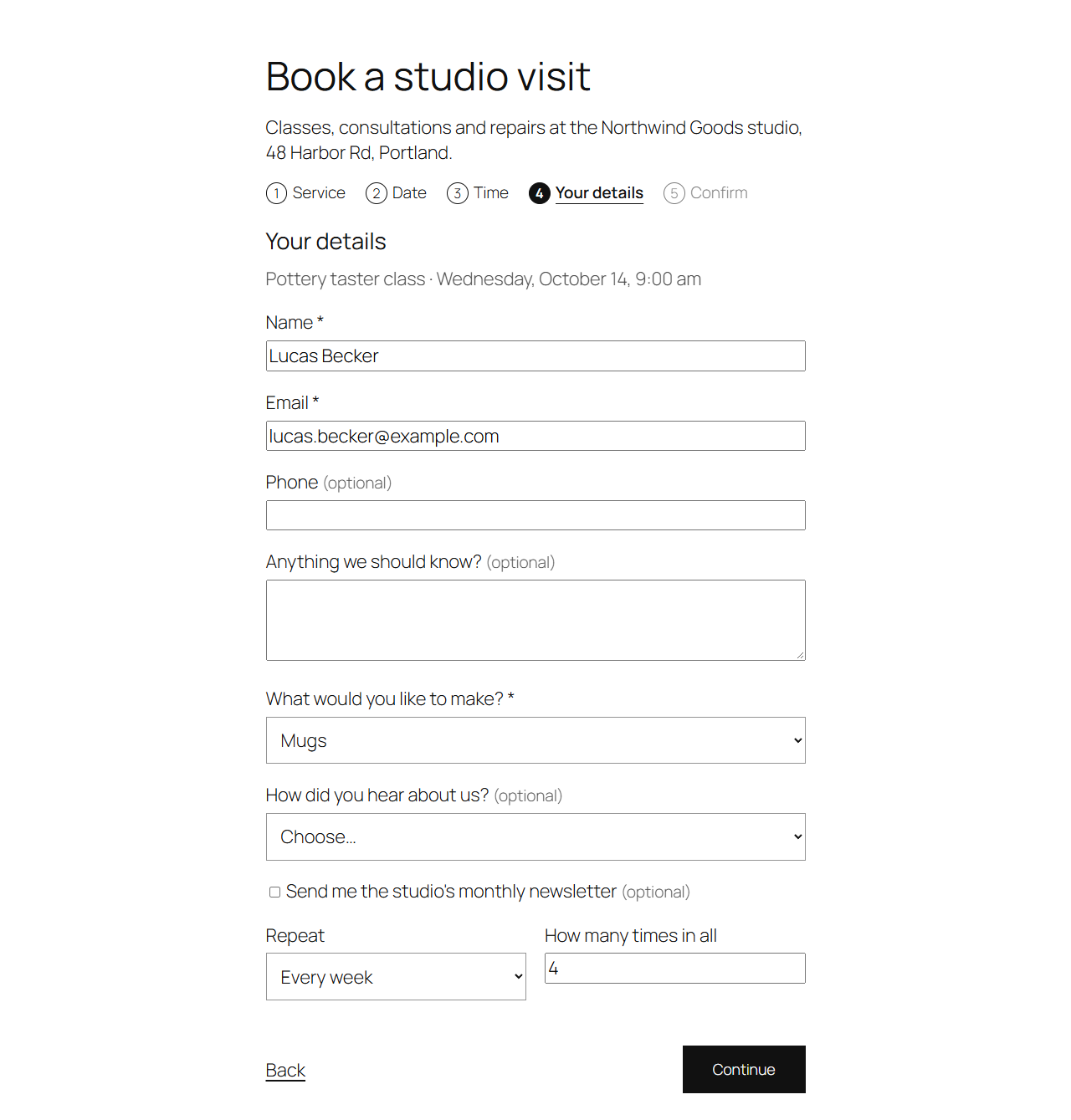
Ask customers more in the booking form, for every service or some, and see their answers on the booking.
Note
This is part of Bookline Pro.
Add questions
Under Bookline → Settings → Form fields, Add question and fill in:
| Column | |
|---|---|
| Question | What customers see. |
| Type | Text, Longer text, Dropdown or Checkbox. |
| Answers | For a dropdown: one answer per line. |
| Required | Customers can't continue without answering. |
| Services | Ask only for these (hold Ctrl or Cmd to pick several); empty for every service. |
Save. The questions appear in "Your details", after the notes, for the services they're for.
Where the answers show
- The booking's screen (Answers box).
- Its details in emails (
{booking_details}), on the customer's booking page and in the confirm step. - Personal data exports. Erasing a customer's data removes their answers.
Answers are kept with the question's wording at the time, so changing or removing a question later doesn't change past bookings.