Customers cancel and reschedule
The private link in every email lets customers see their booking, add it to their calendar, and cancel or move it within your rules.
Every email to a customer has a View or change your booking button. It opens their own booking page on your site, without an account or a password.
What they can do
- See the booking's details and status.
- Add to my calendar: download it as a calendar file.
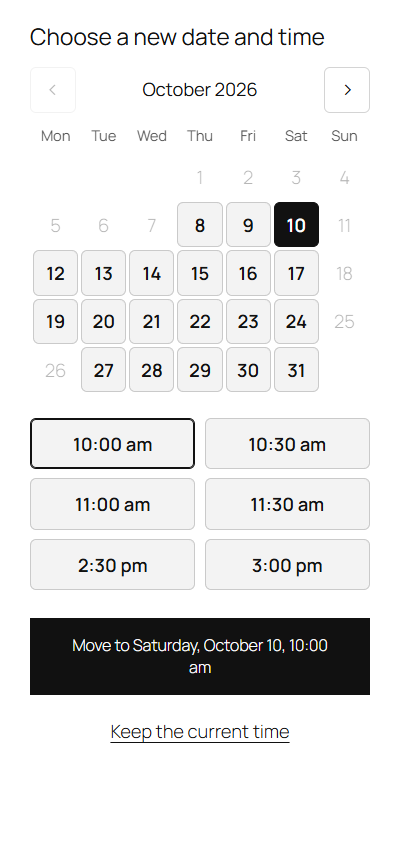
- Change date or time: pick another free day and time in the same calendar as the booking form, then Move to …. The booking keeps its number, and both of you get the "rescheduled" email.
- Cancel booking: after a "Cancel this booking?" check. The time is free again, and both of you get the "cancelled" email.
Your rules
Under Bookline → Settings → General → Changes by customers:
- Customers can cancel their booking from the link in their email
- Customers can move their booking to another free time
- Up to … hours before the booking: closer to the time, their page says to contact you instead.
Only pending and confirmed bookings can be changed. You can always change any booking yourself.
How the link stays private
Each booking has its own random 40-character key in the link, as with a password reset link. It can't be guessed, and it appears nowhere but the customer's emails and the booking's screen (Customer's link). Anyone with the link can see and change that one booking, so customers shouldn't share it.
The link opens on your Booking page (Settings → General). Without one, it opens on your home page, in your theme.