
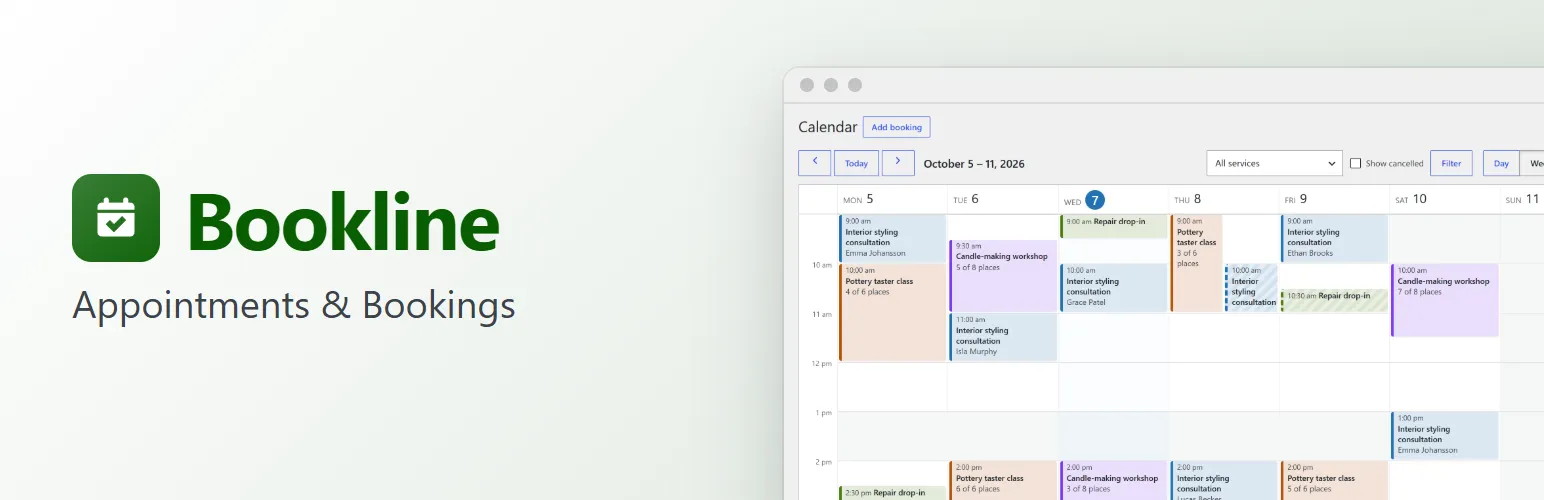
Bookline puts appointment booking on any WordPress site: a hair salon, a clinic, a tutor, a studio running classes, a repair shop with drop-in times. Customers pick a service, a day and a free time, enter their details and they're booked. You see everything on a calendar in your dashboard.
No WooCommerce or other plugin needed, no account to create anywhere, and no limits: as many services and bookings as you like.
Services
- As many services as you need, each with its own length, buffer time before and after (to prepare or tidy up), price and colour.
- One-to-one appointments, or groups: give a service more places per time and customers book places until it's full ("2 places left").
- Take a service out of the booking form for a while without losing its bookings.
Your schedule
- Opening hours for each day of the week, several ranges a day if you close for lunch.
- Days off and holidays: single dates or ranges, with a reason.
- Start times every 15, 30 or 60 minutes (or one after another), a minimum notice ("at least 2 hours ahead") and how far ahead customers can book.
- Times are in your site's time zone, with daylight saving handled properly. Customers in another time zone also see the time in their own.
The booking form
- A Booking Form block for the block editor, and a
[bookline]shortcode for everywhere else. Works with block themes and classic themes, and takes your theme's fonts, colours and buttons. - Simple steps: service → date → time → your details → confirm. A calendar shows which days have room; full days and closed days are greyed out.
- Accessible: real form fields with labels, keyboard navigation in the calendar, focus moved to each step, and messages read out by screen readers. Comfortable on phones.
- Spam protection without a CAPTCHA: a hidden field that catches bots, a check that the booking came through the form, and a limit of attempts per visitor.
- No double bookings: the time is checked again on the server, under a lock, the moment the booking is saved. Two people pressing "Confirm" at the same second can't both get the last place.
Managing bookings
- Calendar with day, week and month views, in your services' colours. Click a booking to open it.
- Bookings list with a tab per status, search by name, email, phone or number, filters by date and service, and bulk status changes.
- Add bookings yourself (phone calls, walk-ins), at any time, also outside your opening hours. Bookline warns you when a time is already taken.
- Each booking keeps its history: when it was made, emails sent, every change.
- Statuses: pending, confirmed, completed, no-show and cancelled. Confirm bookings straight away, or approve each one yourself.
Emails and calendar files
- Emails to customers when they book, when a booking is confirmed, cancelled or moved, and to you when someone books, cancels or moves.
- Edit every email's subject, heading and text, with placeholders such as {service}, {date} and {time}. A clean layout in your colour, with a preview.
- Customers' emails carry the booking as a calendar file (.ics) for Google Calendar, Outlook or Apple Calendar.
- Sent with WordPress's own mail function, so your SMTP plugin delivers them.
Customers manage their own bookings
Every customer email has a private link to their booking. There they can add it to their calendar, cancel it, or move it to another free time, up to a cut-off you choose (say, 24 hours before).
Privacy
Bookline adds its bookings to WordPress's personal data export and erasure tools, and suggests text for your privacy policy.
For developers
A REST API (bookline/v1) for availability and bookings, and actions and filters around availability, statuses, the form's steps, emails and calendar files. bookline_loaded fires once Bookline has loaded, for add-ons.
Bookline Pro
The separate Bookline Pro add-on adds staff members with their own hours, days off and services (customers choose who, or "anyone available"), online payments with Stripe or PayPal (in full or a deposit, with refunds), Google Calendar sync and calendar feeds, reminder and follow-up emails, recurring bookings and extra questions in the booking form. See extendiment.com/plugins/bookline.