Built for WordPress & WooCommerce · Free on WordPress.org
Plugins that make WooCommerce stores sell more.
Extendiment builds focused, fast and well-supported WordPress & WooCommerce plugins — so you can spend less time on your store and more time growing it.



How it works
Start free. Upgrade only if you need to.
Free
Free forever
- WordPress.org
Install the free plugin
Find it under Plugins → Add New in WordPress. WooCommerce plugins support HPOS and the block cart & checkout.
Browse plugins
Help is on the plugin’s WordPress.org support forum.
Pro & Premium
Yearly license
- Checkout
Add Pro or go Premium
A Pro add-on extends the free plugin; a Premium plugin stands on its own. Lemon Squeezy handles checkout, tax and invoices.
- Email → WordPress
Activate your license key
Your key arrives by email. Paste it under the plugin on the Plugins screen.
My licenses - WordPress dashboard
Get updates & support
Updates arrive in your dashboard while your license is active, and support comes straight from us.
Get support
Find the right tool
Browse by category
Checkout & Cart
Checkout fields, pre-orders and everything between the cart and a placed order.
4 plugins
Marketing
Discounts, sale badges and offers that help products sell.
3 plugins
Product Display
Product pages shoppers can choose from: swatches, extra options and clear stock messages.
4 plugins
Shipping & Delivery
Shipping rates, delivery dates and getting orders packed and out the door.
3 plugins
Store Management
Inventory, purchasing, returns, invoices and bulk edits: the work behind a store.
5 plugins
Bookings & Appointments
Let customers book appointments online, with staff, calendars and reminders.
1 plugin
WordPress Admin & Content
Plugins for any WordPress site: the admin menu, user roles, media folders, downloads, shortcodes, site cleanup and bulk editing of posts.
6 plugins
Fresh from the workshop
Just released

Giftline
Marketing
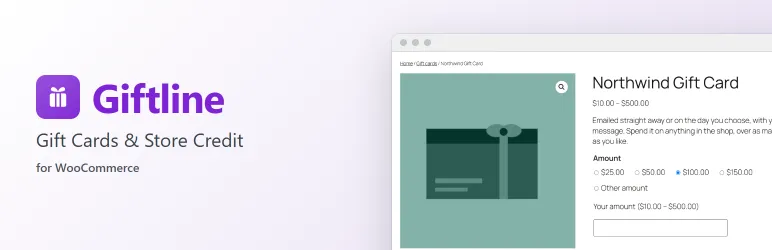
Gift cards and store credit for WooCommerce on one balance ledger: emailed or printable cards, partial redemption and refunds to credit.
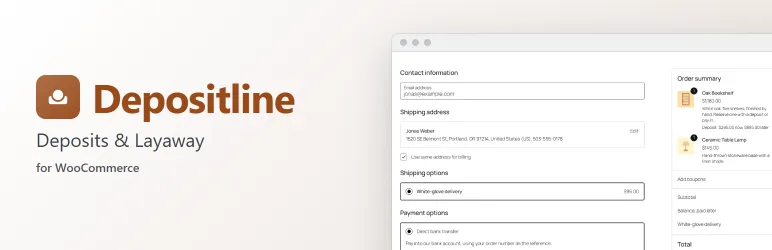

Depositline
Checkout & Cart
Take a deposit now and charge the balance later: deposits, layaway and scheduled balance payments for WooCommerce.
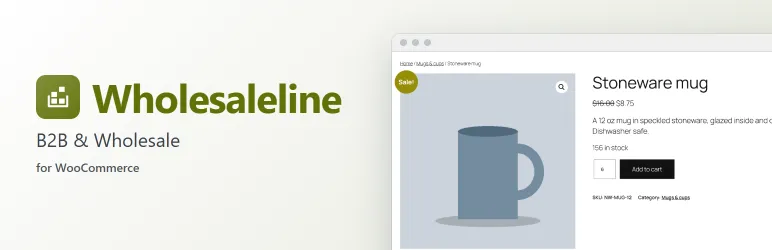

Wholesaleline
Checkout & Cart
B2B accounts for WooCommerce: customer groups with their own prices, applications, quantity rules, payment terms, tax exemption and hidden prices.
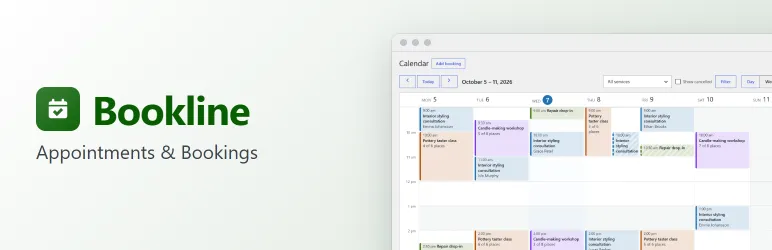

Bookline
Bookings & Appointments
Let customers book appointments and classes on your site: services, opening hours, a step-by-step booking form, a bookings calendar and emails.
Coming to WordPress.org · in review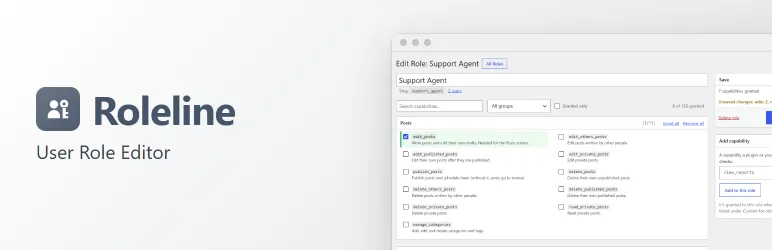

Roleline
WordPress Admin & Content
Edit user roles and capabilities safely: plain-language capabilities, a preview of every change, several roles per user and automatic backups.
Coming to WordPress.org · in review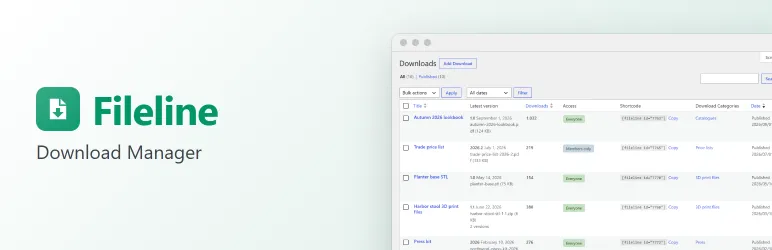

Fileline
WordPress Admin & Content
Files to download with versions, secure links, honest counts, members-only files, a download button and a download list. Free, no limits.
Coming to WordPress.org · in reviewAlways improving
Latest updates
New features, improvements and fixes shipped to every customer.
- Giftlinev1.2.0addedSearching gift cards also finds a note in a card's history, such as the note given to a batch of printed cards, and the history export (CSV) has a currency column.
- Depositlinev1.1.3fixedWith Slotline Pro, customers can change the delivery date of a Partially paid order in My Account, and get the delivery reminder email, as for a processing order.
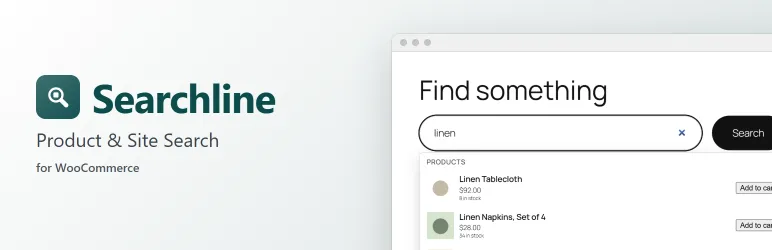
- Searchlinev1.3.0addedThe Searchline search widget for Elementor gets a button choice (text, icon or none), its own button text, and Style controls for the box and the button. The [searchline] shortcode takes the same button options.
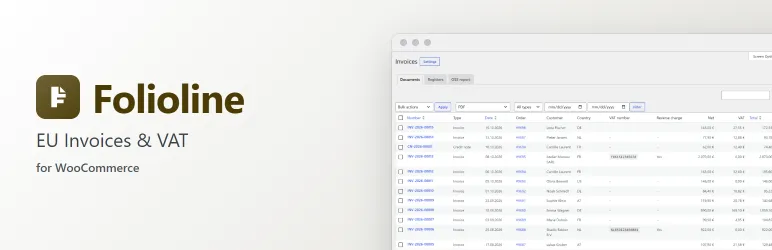
- Foliolinev1.2.3fixedIn My Account, an order's download buttons sit side by side and wrap neatly on narrow screens, and the e-invoice button reads "XRechnung (CII) XML" instead of "XRechnung (CII) (XML)".
- Stocklinev1.0.3changeda stock state added by another plugin (such as Pre-order) now lists its extra placeholders on the settings screen, and says that its message replaces the text each product shows for that state.
Not sure which plugin fits your store?
Tell us what you need — we usually reply within 1–2 business days. Or browse answers to common questions about licenses, updates and support.