
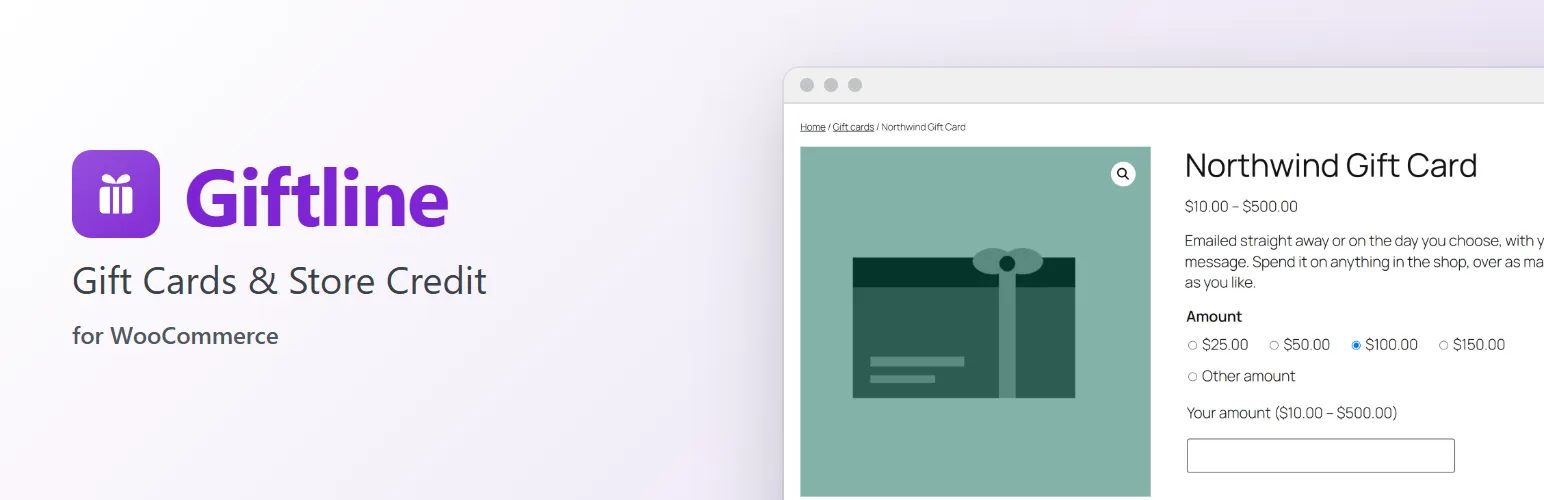
Gift cards bring in new customers and keep the money in your shop, and store credit lets you refund a return without sending the money back. Giftline does both on one balance: customers buy emailed or printed gift cards, spend them over as many orders as the balance lasts, and pay with store credit you give them or refund to them. Every change is recorded, so you always know what customers can still spend. It works in WooCommerce's own screens: the product editor, the checkout, the order screen and My Account.
Selling gift cards
- A Gift card product type with fixed amounts, an amount of the customer's own between a minimum and a maximum, or both.
- Emailed cards (virtual) or printed cards you ship (not virtual).
- Customers choose a design, the recipient, who it's from, a message and the day it's emailed.
- Cards are made when the order is paid, one per unit, and emailed straight away or on the chosen day. An optional hold gives you time to cancel a suspicious order first.
- The gift card email shows the amount, the code and the message in the design's colour, with a printable PDF attached.
- Not taxed when sold by default, as a multi-purpose voucher, or taxed by the product's tax class. Coupons never discount a gift card.
Paying with gift cards and store credit
- A gift card field in the Checkout block, the classic checkout and the cart.
- Gift cards first, then store credit, taken off after tax: a way to pay, not a discount.
- Partial use: what isn't spent stays on the card. Up to five cards on one order.
- Logged-in customers' store credit is used automatically, or when they tick it.
- Each balance used is its own row in the totals, on the order, in My Account and in the emails.
- A cancelled, failed or refunded order gives the balance back.
Store credit and refunds
- Refund to store credit on the order screen, next to WooCommerce's refund buttons: a normal WooCommerce refund, with the amount added to the customer's credit instead of going back through the gateway.
- Give or take credit by hand, with a reason kept in the history.
- Credit for a guest order's email waits until the customer adds it to their account from a link sent to that address.
For customers
- My Account → Gift cards & credit: the store credit and its history, their gift cards with a printable PDF, and a balance check.
- A card sent to them is added to their account by typing its code or from the link in the email.
- A
[giftline_balance]shortcode for a balance check on any page. - Emails for a new card, credit received, a low balance and an expiry reminder.
For staff
- WooCommerce → Gift cards: every card and credit balance, with search, views and bulk printing, export and disabling.
- Each balance's full history: bought, spent on which order, returned, refunded, changed by whom and why.
- Change a balance, email a card again, change its recipient or expiry, print it, disable it.
- Make one card, a batch of up to 500 to print eight to a sheet, or store credit.
- A liability report of outstanding balances and the changes in any period, with CSV exports.
- CSV import of cards (keeping their codes) and credit, to move from another system.
Safe by default
- Gift cards don't expire unless you set them to, with a reminder email before the date.
- A limit on wrong codes per visitor stops code guessing at checkout and in the balance check.
- Balances can't be spent twice, even by two orders at once.
- While Giftline is deactivated, gift card products can't be bought and waiting emails wait; both start again when you activate it.
Works with
- High-Performance Order Storage and the older posts storage.
- Packboard: orders with printed cards are tagged on the board. Gridline: a gift card amounts column for bulk editing.
For developers
- Functions to add or take store credit, issue cards, read balances and refund orders to credit, safe to call twice:
giftline_add_credit(),giftline_deduct_credit(),giftline_get_credit(),giftline_issue_card(),giftline_get_card_balance(),giftline_refund_to_credit(). - Actions:
giftline_loaded,giftline_settings,giftline_ledger_entry,giftline_credit_added,giftline_card_issued,giftline_redeemed,giftline_send_pdf. - Filters:
giftline_redemption_plan,giftline_lookup_allowed,giftline_client_ip,giftline_code_length,giftline_price_html. - REST routes under
giftline/v1andwp giftlinecommands (balance, credit, issue, verify).
Giftline is sold on extendiment.com/plugins/giftline under our Terms and Privacy Policy. The license key brings updates; every feature works without it.