Get your store doing exactly what you need
Step-by-step WordPress and WooCommerce how-tos for setting up and getting the most from Extendiment plugins.
Checkout & Cart
Checkout fields, pre-orders and everything between the cart and a placed order.
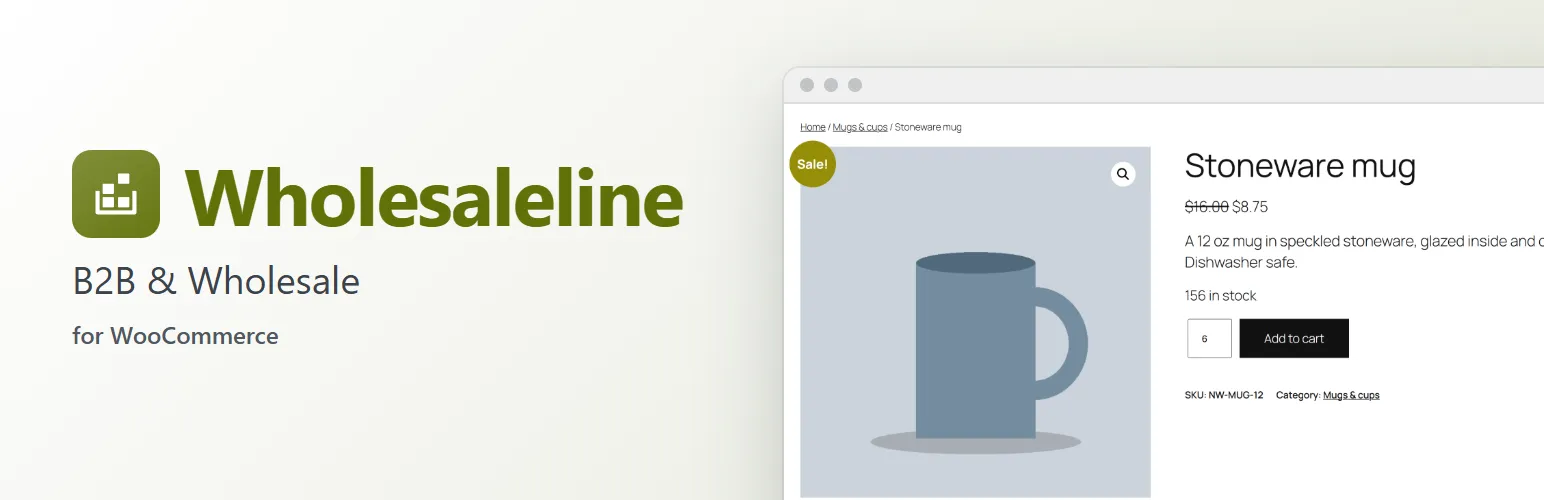
 WholesalelineNew
Show wholesale prices to approved trade customers
Let shops and resellers apply for a trade account, approve the ones you want, and show them their own wholesale prices while everyone else sees your regular prices.
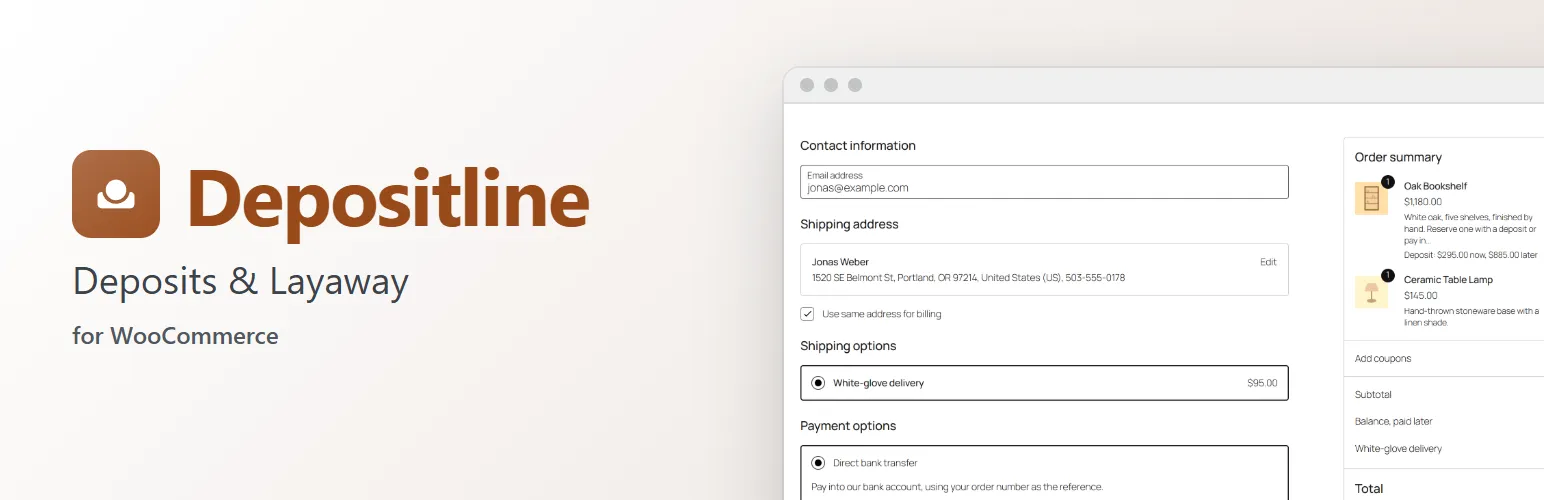
 DepositlineNew
Take deposits on made-to-order products
Let customers pay part of the price at checkout and the rest later, with a due date, a payment link and reminders, so you can start custom work without waiting for the full amount.
Marketing
Discounts, sale badges and offers that help products sell.
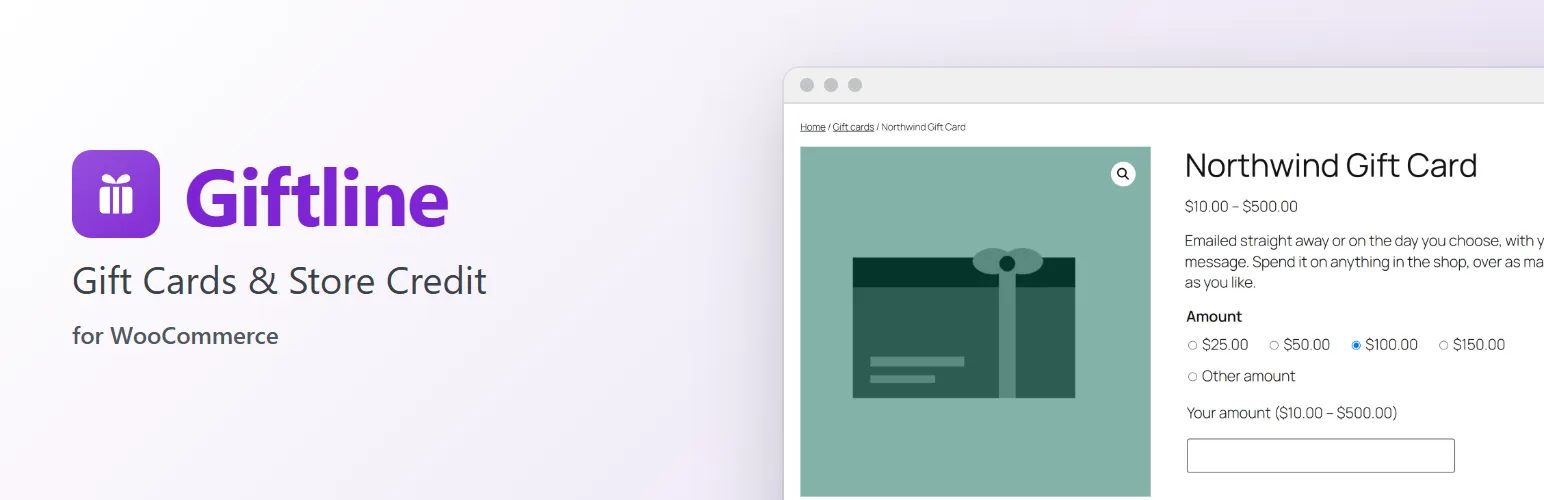
 Giftline
Product Display
Product pages shoppers can choose from: swatches, extra options and clear stock messages.
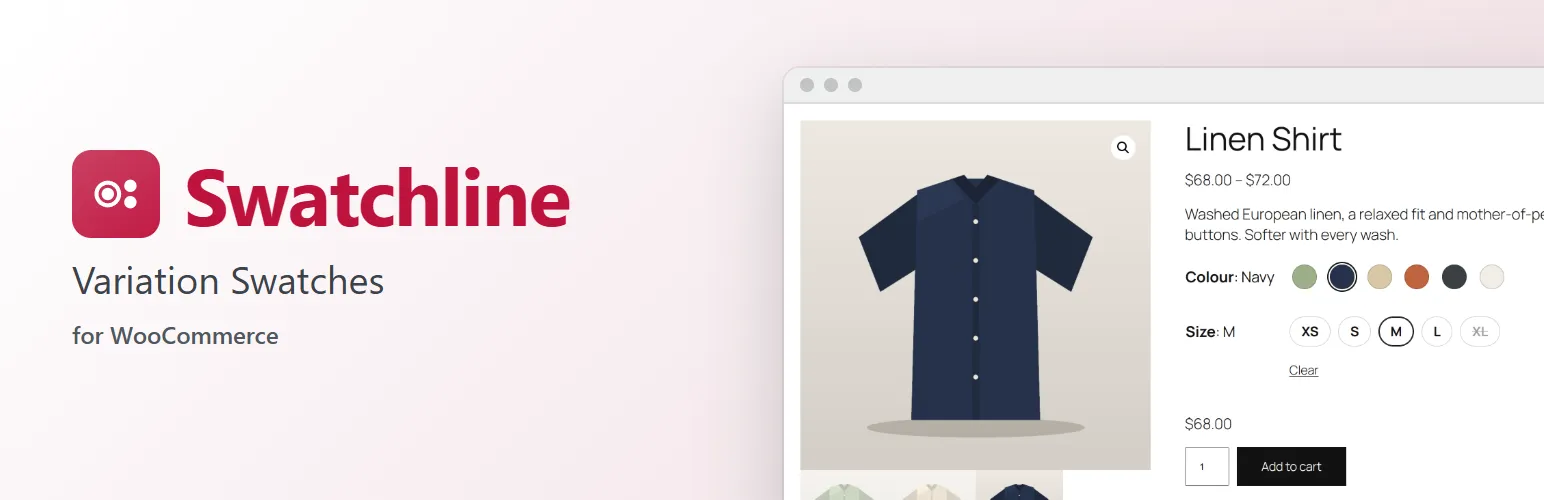
 SwatchlineNew
Show colour and size swatches instead of dropdowns
Turn WooCommerce's variation dropdowns into colour, image and size swatches, with the chosen value next to its name and sold-out or impossible combinations crossed out, in classic and block themes.

 SearchlineNew
Make WooCommerce search find SKUs, typos and plurals
When a shopper types a SKU, a misspelling or the word "mugs" and your shop says "No products were found", they leave. Set up a search that forgives typos, matches plurals and SKUs, and shows you every search that still finds nothing.
Store Management
Inventory, purchasing, returns, invoices and bulk edits: the work behind a store.
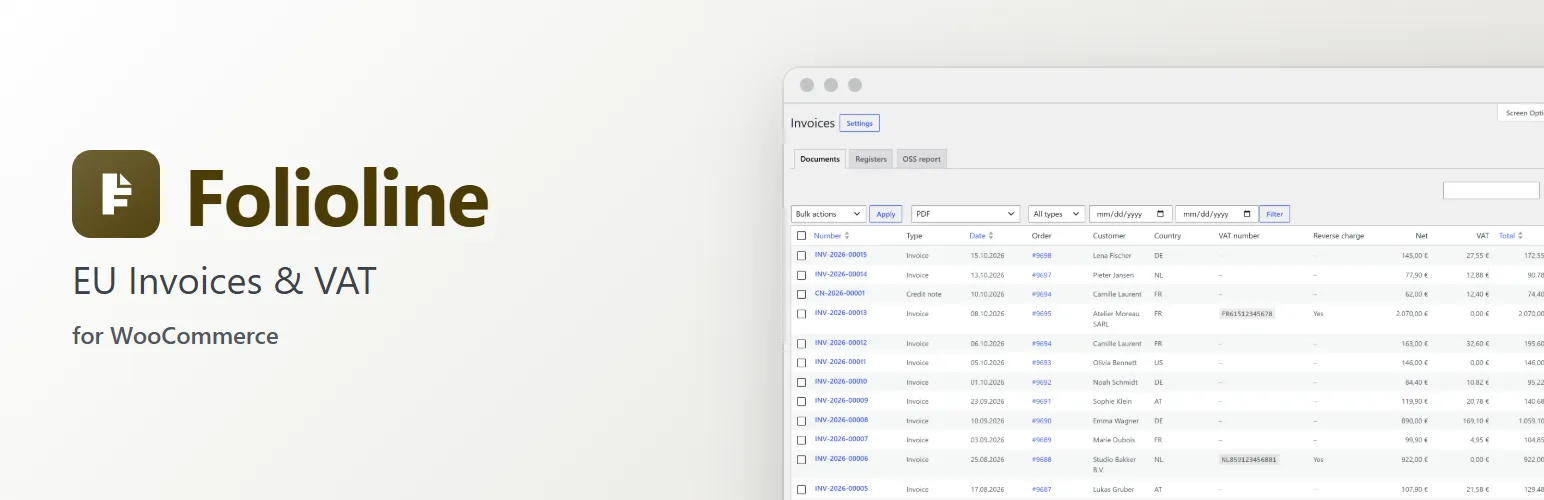
 Folioline
Get the next guide on Monday
One email on Mondays when there’s a new guide, never more. Turn it off any time.