
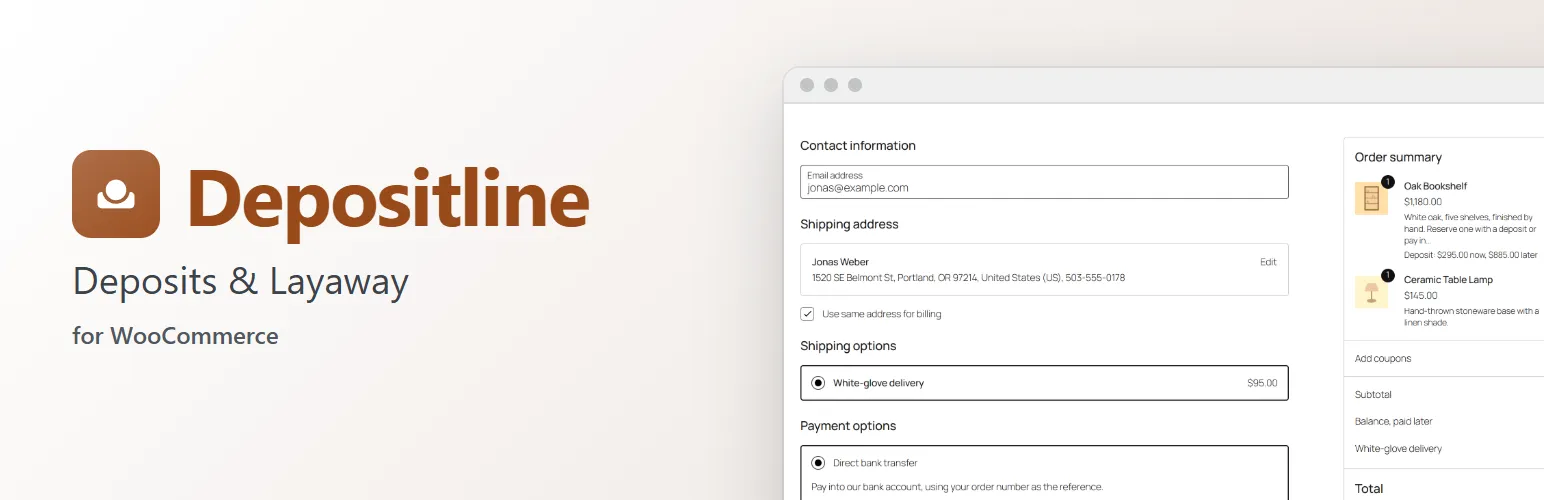
Big-ticket items, made-to-order goods and layaway sell better when customers can pay part now and the rest later. Depositline takes a deposit at checkout, keeps the order as one sale, and collects the balance on its due date: by email with a payment link, or charged to the customer's saved card. It works in WooCommerce's own screens: the product editor, the checkout, the order screen and My Account.
Deposits where you want them
- A deposit per product, per variation, per product category, or store-wide for everything else.
- A percentage of the price (after coupons, before tax) or a fixed amount per item.
- Deposit required, or Deposit, or pay in full at checkout to let customers choose.
- Tax and shipping paid with the deposit, or with the balance.
- The product page says what's paid now, and each cart line shows "Deposit: $20.00 now, $80.00 later".
Checkout
- Works in the Checkout block and the classic checkout.
- A Payment choice between "Pay a deposit now, the rest later" and "Pay in full now" for optional deposits.
- A "Balance, paid later" line takes the rest off the total, so customers pay only the deposit today.
- Express payment buttons that would charge the whole cart are hidden while a deposit is paid.
Orders and the balance
- A paid deposit puts the order in Partially paid, with WooCommerce's usual emails. Stock is reduced as for any paid order.
- The balance becomes its own order, linked to the deposit order, with a due date: a number of days after the deposit, or before a Slotline delivery date.
- When the balance is paid, the order moves on to Processing, or Completed when nothing ships.
- Analytics counts the full sale once. Refunds go through each order's own payment.
Collecting the balance
- Customers pay from the emailed payment link, or with Pay balance in My Account.
- Customers can agree at checkout to have the balance charged to their saved card on the due date (with the WooCommerce Stripe Gateway). If the card can't be charged, they get the payment link instead.
- A reminder a few days before the due date, the link on the due date, and reminders after it.
- What happens when it's still unpaid: nothing, On hold, or the order cancelled with the deposit kept or refunded.
On the order screen
- A Deposit box with what's paid, the balance order and its due date, which you can move.
- Take a deposit on orders you create in the admin.
- Order actions to email the balance's payment link or charge it to the saved card now.
Moving from another deposits plugin
- Imports product settings and open balances from WooCommerce Deposits and WooCommerce Deposits by Webtomizer, under WooCommerce → Depositline or with WP-CLI.
- While another deposits plugin is active, Depositline pauses and says so, so the two never change the same orders.
Works with Extendiment plugins
- Slotline: the balance is due a few days before the delivery or pickup date.
- Preorderline: pre-orders keep Preorderline's own payment; pre-orders and deposit items are ordered separately.
- Returnline: items can be returned once the balance is paid.
For developers
- Actions:
depositline_loaded,depositline_settings,depositline_balance_created,depositline_balance_paid. - Filters:
depositline_rule,depositline_applies,depositline_due_date,depositline_charge_connectors(charge saved cards with another payment gateway),depositline_conflicts. - Store API data for the Checkout block, and the
wp depositline importandwp depositline remindcommands.
Depositline is sold on extendiment.com/plugins/depositline under our Terms and Privacy Policy. The license key brings updates; every feature works without it.