
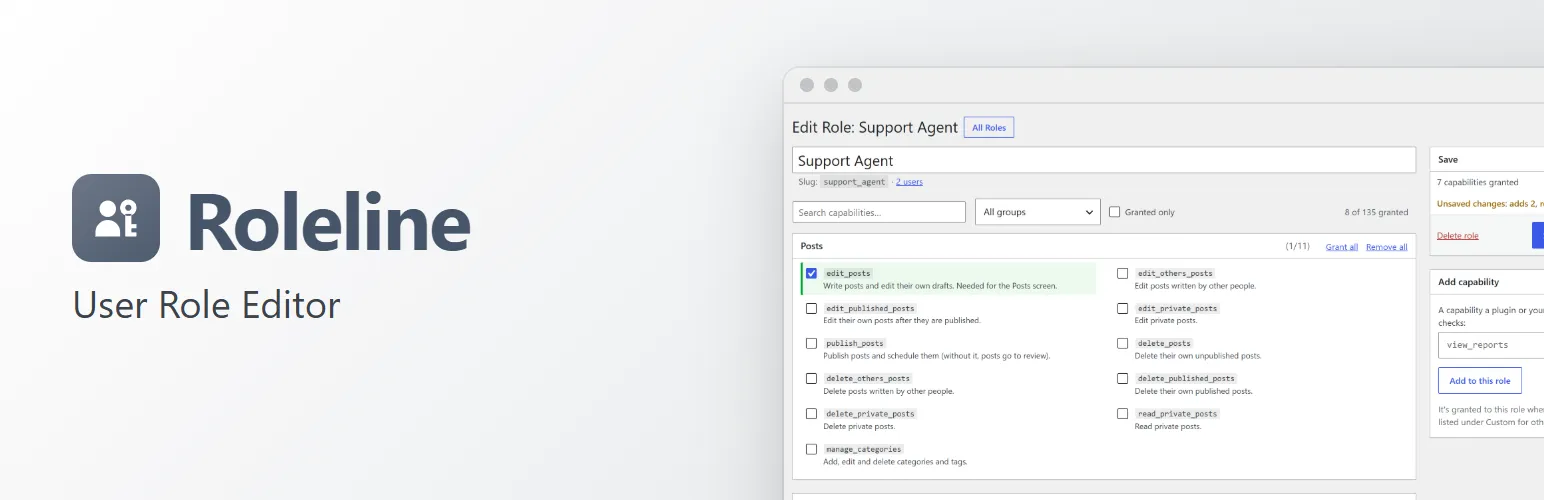
Roles decide what people can do on your site. Roleline puts them under Users → Roles, in WordPress's own screens, and makes changing them safe: you see what a change does before it's saved, you can't lock yourself out, and every change can be undone.
Roles
- Add a role from scratch or as a copy of another, rename it, and delete it (its users get the role you choose).
- See every role with its number of users and capabilities, and make any role the one new users get.
- Put WordPress's own roles (Administrator, Editor, Author, Contributor, Subscriber) back to their default capabilities with one click. Capabilities other plugins added to them stay.
Capabilities, in plain words
- Capabilities are grouped as you'd look for them: Posts, Pages, Media, Comments, Users, Plugins, Themes, Settings, and one group per plugin that adds its own (WooCommerce's are recognised even while WooCommerce is off), then the ones you added yourself.
- Every WordPress capability has a short description ("Change which roles users have"), and so do the ones a post type or taxonomy uses ("Edit books created by other people").
- Search, filter by group, show only what a role grants, and grant or remove a whole group at once.
- Add a custom capability your own code or a plugin checks, and delete one nobody uses.
Safety first
- Before saving you see the change: "Adds 3 capabilities, removes 1", with each one listed.
- You can't take away your own ability to manage roles and users, or a capability you couldn't give yourself back, and you can't delete the Administrator role.
- Risky changes need you to confirm them: taking WordPress capabilities away from administrators, giving a role capabilities that control the whole site, taking "read" away, or making a powerful role the default for new users.
- People who manage roles but aren't administrators can only hand out what they have themselves.
- Roleline backs up all roles before every change it makes. Restore any earlier version in one click, compare it with today's roles first, or download it.
- Locked out by someone else?
wp roleline restoreputs the last backup back, and a line in wp-config.php repairs the Administrator role without WP-CLI. - Leaving the editor with unsaved changes asks first.
Users with several roles
- A user's profile lists every role as a checkbox instead of WordPress's single dropdown, so a user can be an Author and a Shop Manager.
- Add New User offers extra roles, and the Users list gets Add role and Remove role next to "Change role to…".
- Only roles you may hand out are offered.
Import and export
Download roles as a JSON file and import them on another site. You see what each role in the file would add or remove, and choose which to import.
For developers
- A REST API (
roleline/v1) for roles, capabilities, backups, import and export and users' roles, with the same checks as the screens. - WP-CLI:
wp roleline list,delete,backups,backup,restore,reset,repair,exportandimport. - Filters and actions for the capability groups and descriptions, the protected and risky capability lists, and every change (
roleline_roles_changed,roleline_user_roles_changed…).roleline_loadedfires once Roleline has loaded. - No WooCommerce or other plugin needed. Works on multisite, site by site.
Roleline Pro
The separate Roleline Pro add-on adds content access rules (posts, pages and custom post types by role, for logged-in users or for guests, with a message, a redirect or "not found", also for whole categories), block and menu item visibility by role, login and logout redirects by role, temporary roles that end on a date, comparing two roles side by side and a capability usage report. See extendiment.com/plugins/roleline.