
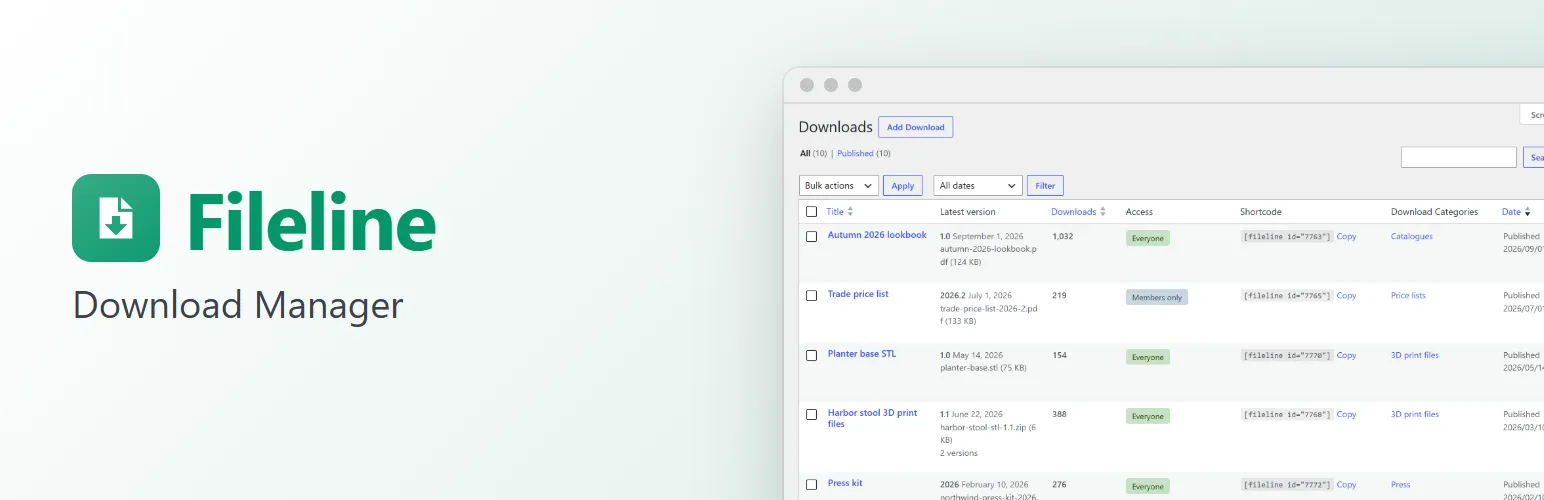
Fileline turns the files you share, such as guides, catalogues, price lists, press kits, software and 3D models, into downloads you can manage. Each download gets versions, a link that never shows the file's real address, a count of how often it was downloaded, and a page of its own. Put a download button or a list of downloads anywhere with a block or a shortcode. As many downloads as you like, with no limits.
Downloads with versions
- A Downloads menu with categories, tags, a description and an image for each download.
- Every download has one or more versions: a version number, a release date, a note of what changed, and a file from your Media Library or a link to a file stored elsewhere (a CDN, cloud storage, GitHub).
- The download link always serves the latest version. Older versions stay downloadable from their own links, if you want them to be.
Secure links
- Links look like
/download/oak-table-care-guide/(or?fileline=12with plain permalinks) and never show where the file really is. - Files you upload on a download's screen go into a protected folder (
wp-content/uploads/fileline) that refuses direct access on Apache, LiteSpeed and IIS. Downloads → Settings checks that it works and shows the rule for nginx. - Files are sent with the right headers, in chunks, with resume support for large files (range requests). On servers that support it, hand the sending to the web server with X-Sendfile or nginx's X-Accel-Redirect.
- External files are redirected to after the download is counted.
Honest download counts
- A count for every download and every version, shown in the Downloads list (sortable) and, if you like, under each button.
- Counts are increased in the database in one step, so downloads at the same moment are never lost.
- Bots, crawlers and link previews aren't counted (the list is filterable), nor are resumed downloads.
- Optionally, the same visitor downloading the same file again within a number of minutes counts once. Visitors are recognised by a scrambled code made from their IP address and browser, kept only for those minutes: Fileline never stores an IP address.
Members-only downloads
Tick Members only and visitors who aren't logged in are sent to the login page, then straight back to the download.
On your site
- A Download button block and the
[fileline id="12"]shortcode: a button in your theme's own style, with the file's type, size, version and download count underneath (each optional). - A Download list block and the
[fileline_list]shortcode: downloads from a category or tag, ordered by title, date or popularity, with an optional search box and pages. - A page for every download with its description, image, the download button, the file's details, what's new and the earlier versions.
- Works with classic themes and block themes. The markup is in template files your theme can override.
For developers
Filters and actions for every step: fileline_can_download to decide who may download, fileline_before_download and fileline_download_counted, fileline_should_count and fileline_bot_agents, the link, the file path and how files are sent, the button's HTML and details, the list query, and template overrides. fileline_loaded fires once Fileline has loaded, for add-ons.
Fileline Pro
The separate Fileline Pro add-on asks for an email address before a download (with a leads list and CSV export), limits downloads to roles or a password, makes expiring and one-time links, charts your downloads over time, works with Folderline's media folders and imports downloads in bulk. See extendiment.com/plugins/fileline.