
Using folders
Settings
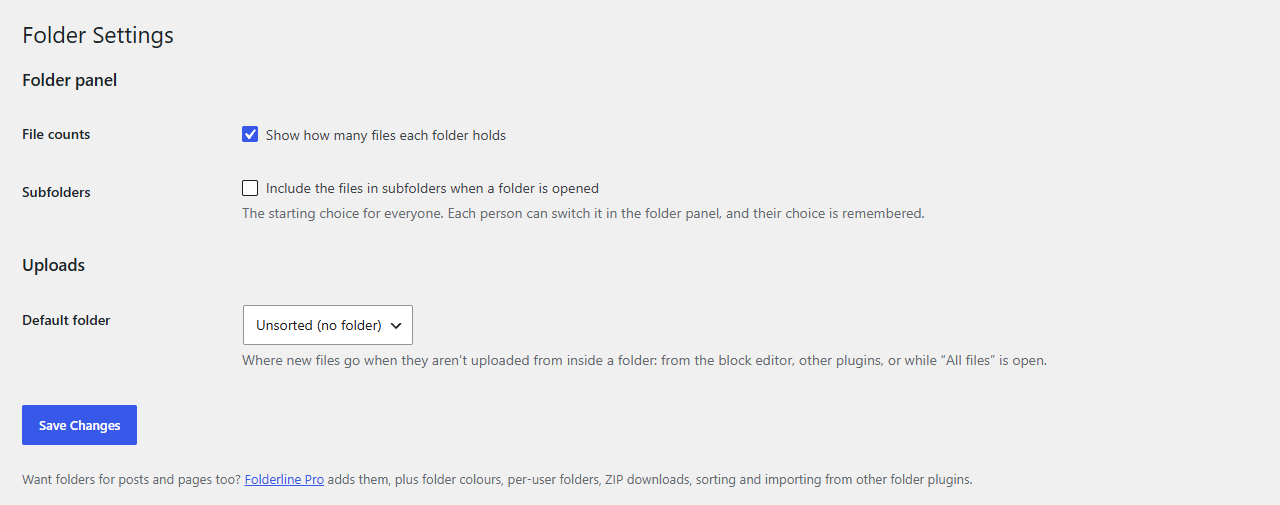
Media → Folder Settings: file counts, including subfolders, and the default folder for uploads.
Administrators find the settings under Media → Folder Settings, or through the Settings link under Folderline on the Plugins screen.
Folder panel
| Setting | What it does |
|---|---|
| File counts | Show how many files each folder holds, in the tree and the folder filter. On by default. |
| Subfolders | Whether opening a folder includes the files in its subfolders. This is the starting choice: each person can switch it with Include subfolders in the folder panel, and their own choice is remembered. |
Uploads
| Setting | What it does |
|---|---|
| Default folder | Where new files go when they aren't uploaded from inside a folder: with "All files" open, dropped into the block editor, or added by other plugins. Unsorted (no folder) keeps them out of folders. |
What each person's panel remembers
These aren't settings: Folderline simply remembers them for each person.
- The folder that was open, and whether subfolders were included.
- Which folders were collapsed.
- The panel's width, and whether it was hidden.