
Installation
Install Sheetline from WordPress.org and make your first edits in the Bulk Editor in a few minutes.
Sheetline is free and listed on WordPress.org, so you can install it straight from your dashboard. It works on any WordPress site: no WooCommerce or other plugin needed.
Install the plugin
- Go to Plugins → Add New Plugin and search for Sheetline.
- Click Install Now on "Sheetline – Bulk Editor for Posts & Pages", then Activate.
If you have the zip file instead, use Plugins → Add New Plugin → Upload Plugin, choose the file, then Install Now and Activate.
Nothing changes on your site's front end: Sheetline adds a screen for editing posts and pages, and nothing else.
Open the Bulk Editor
Go to Posts → Bulk Editor, or Pages → Bulk Editor for your pages. You'll also find a Bulk Editor button next to Add Post at the top of the Posts and Pages screens, and a Bulk Editor link under Sheetline on the Plugins screen.
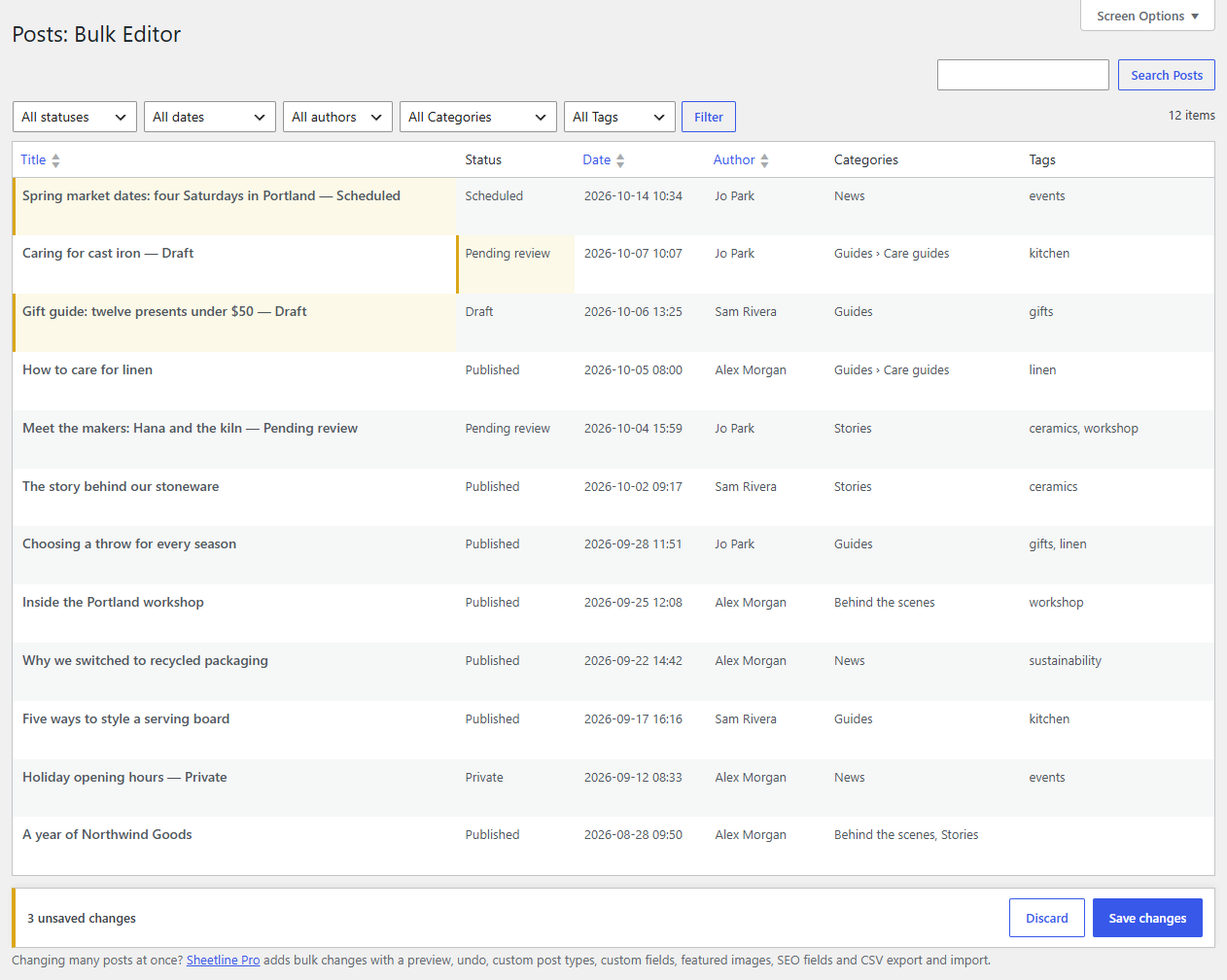
Your posts are listed newest first, 50 to a page, one row per post.
Make your first change
- Click a post's Title.
- Type the new title and press Enter. The cell turns yellow: it's changed, but not saved yet. Enter also moves you down to the next post's title, so you can carry on down the column.
- Press Esc to stop editing.
- Click Save changes in the bar at the bottom of the grid.
A green notice confirms how many changes were saved. Open the post in another tab and you'll see the new title there too: Sheetline saves through WordPress itself, exactly as the editor does, and keeps a revision of the old title.
Tip
Nothing is saved until you click Save changes, so you can edit freely and check your work first. Discard throws away everything you haven't saved.
What's next
- Editing cells covers the keyboard and every kind of field.
- Saving changes explains what happens when a change can't be saved.
- Columns and Screen Options shows how to pick the columns you need.