Columns and Screen Options
Show only the columns you need and choose how many posts a page shows, per user, with WordPress's Screen Options.
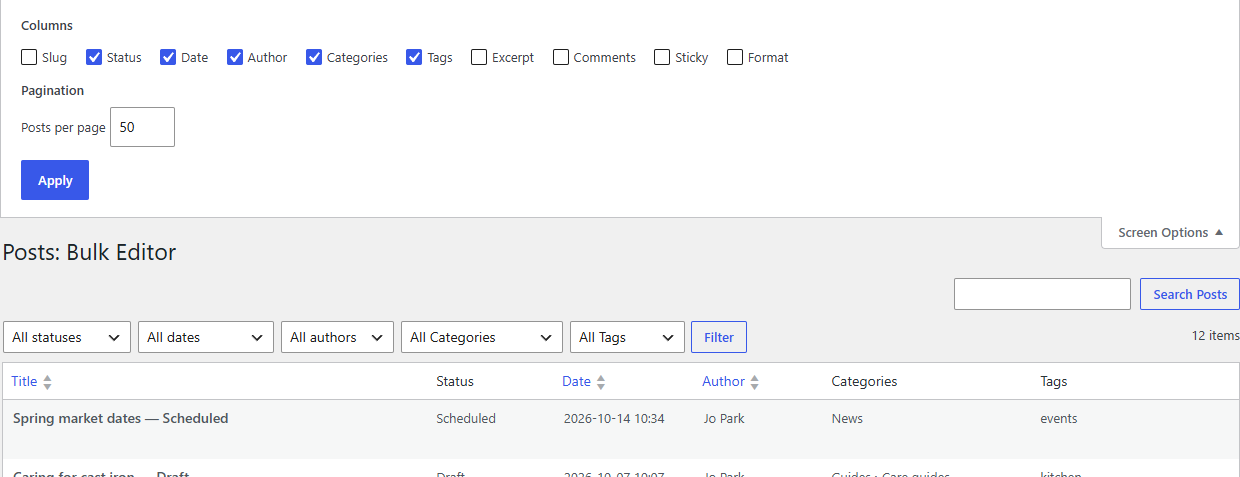
The Bulk Editor uses WordPress's own Screen Options, the tab at the top right of the screen, just like the Posts and Pages lists.
Choose your columns
- Click Screen Options at the top right.
- Untick the columns you don't need, tick the ones you do. The grid changes straight away.
Title is always shown. Slug, Excerpt, Comments, Sticky, Order, Format and Template are hidden until you switch them on, so the grid starts tidy.
Your choice is saved for you, for each Bulk Editor separately: posts and pages keep their own columns, and other people keep theirs.
Tip
Fewer columns means less scrolling sideways. To tidy up categories, for example, show only Status, Categories and Tags.
Posts per page
In the same panel, set the number of posts per page (10 to 200) and click Apply. The default is 50. Larger pages take a little longer to load, especially with many columns.
Hidden columns and the keyboard
Tab, Enter and the arrow keys skip hidden columns, so moving through the grid only visits what you can see.
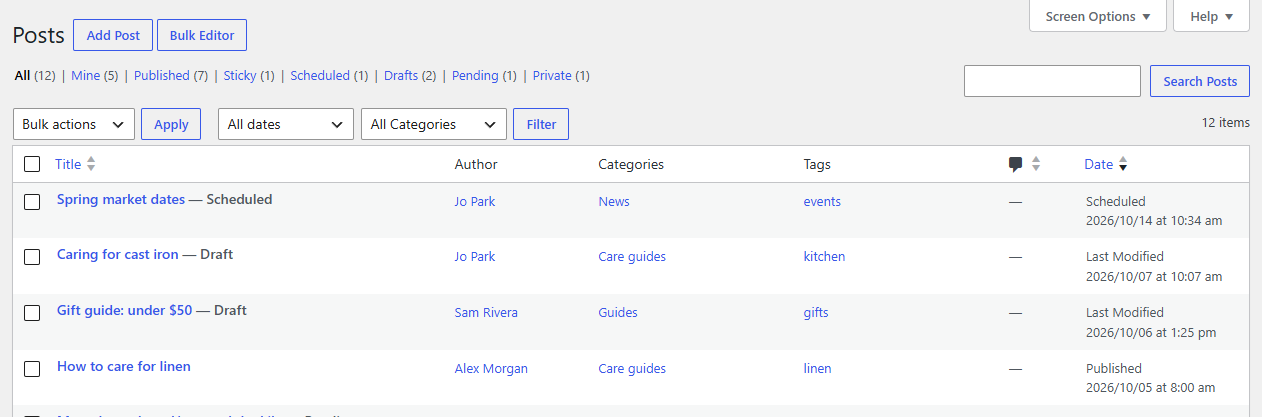
The Bulk Editor button on Posts and Pages
On Posts → All Posts and Pages → All Pages there's a Bulk Editor button next to Add Post (or Add Page), so you can jump between the two lists.