
Installation
Install Roleline from WordPress.org and find your way around Users → Roles in a few minutes.
Roleline is free and listed on WordPress.org, so you can install it straight from your dashboard. It works on any WordPress site: no WooCommerce or other plugin needed.
Install the plugin
- Go to Plugins → Add New Plugin and search for Roleline.
- Click Install Now on "Roleline – User Role Editor", then Activate.
If you have the zip file instead, use Plugins → Add New Plugin → Upload Plugin, choose the file, then Install Now and Activate.
On activation Roleline does two things:
- It backs up your roles as they are, so you can always go back to how they were before Roleline.
- It gives the Administrator role Roleline's own capability,
roleline_manage_roles, which opens Users → Roles.
Nothing else changes: your roles and users stay exactly as they were.
Open Users → Roles
Go to Users → Roles. You'll see every role on the site with its number of users and capabilities, and a form to add a new role on the left. A Roles link under Roleline on the Plugins screen goes there too.
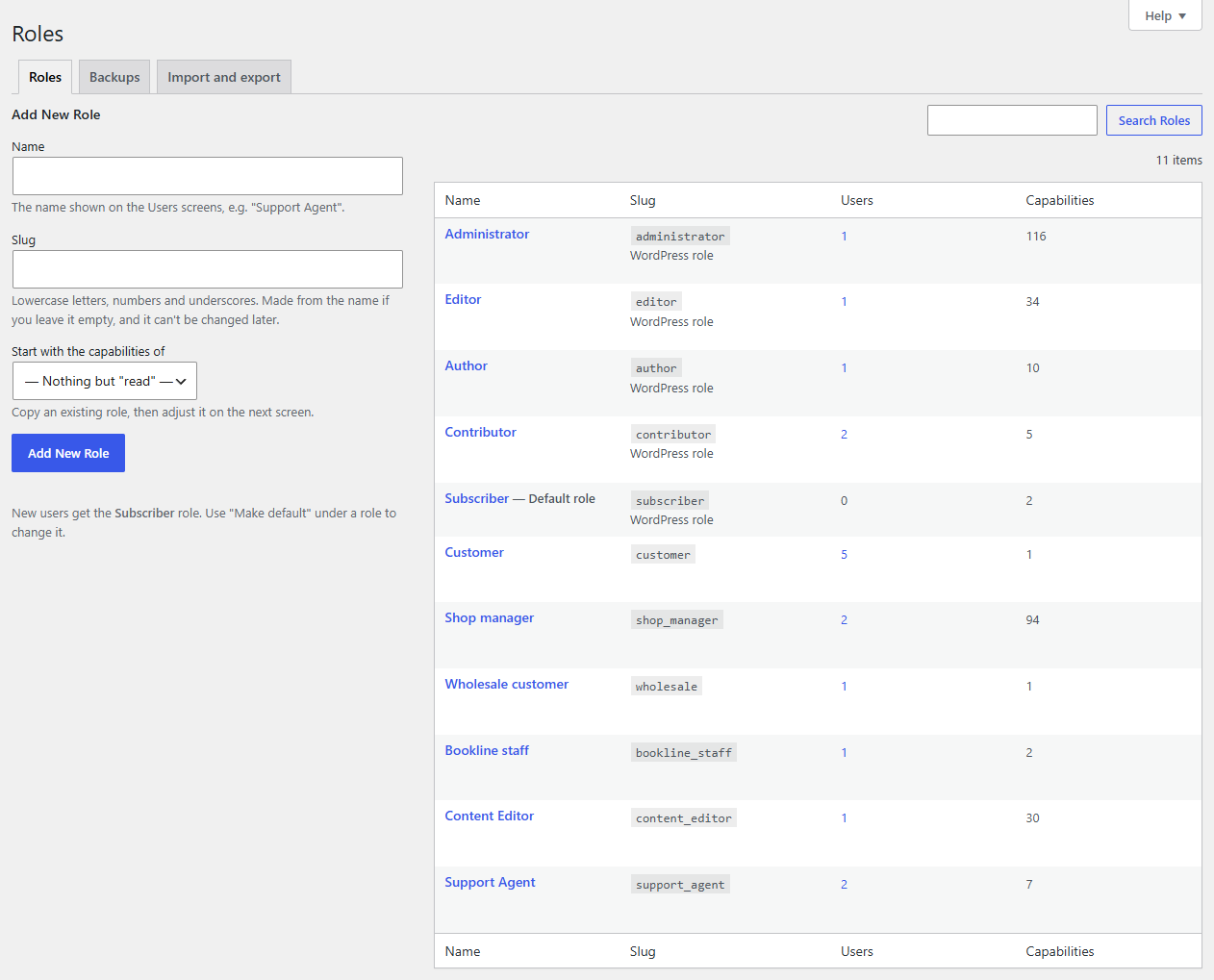
The tabs at the top lead to Backups (every earlier version of your roles) and Import and export.
Make your first change
- Click a role's name, say Author.
- Tick a capability, for example moderate_comments under Comments. It turns green: it's changed, not saved yet.
- Click Save Changes. Roleline shows what the save will do ("Add 1 capability") before anything is saved.
- Click Save Changes in that window.
A green notice confirms the save, and a copy of the roles from just before it is under Backups.
Tip
Not sure about a change? Make it anyway: Backups → Restore puts the roles back as they were, in one click.
What's next
- Roles covers adding, cloning, renaming and deleting roles, and the default role.
- Editing capabilities explains the role editor and the checks before saving.
- Backups and restore shows how to undo any change, even from the command line.