
Saved cards charged on release
Customers who pay on release can have their saved Stripe card charged automatically, instead of waiting for a payment link.
Note
This is part of Preorderline Pro.
A customer who pays on release can skip the payment link: if they have a card saved with the WooCommerce Stripe Gateway in their account, they can choose to have it charged when the pre-order is released.
What customers see
Under Pay when it's released at checkout, a logged-in customer with a saved card sees a choice:
- Charge my Visa ending in 4242 (expires 12/28) when it's released (their saved cards, the default one first),
- Email me a payment link when it's released.
With a note that choosing a saved card allows you to charge it for this order when it's released.
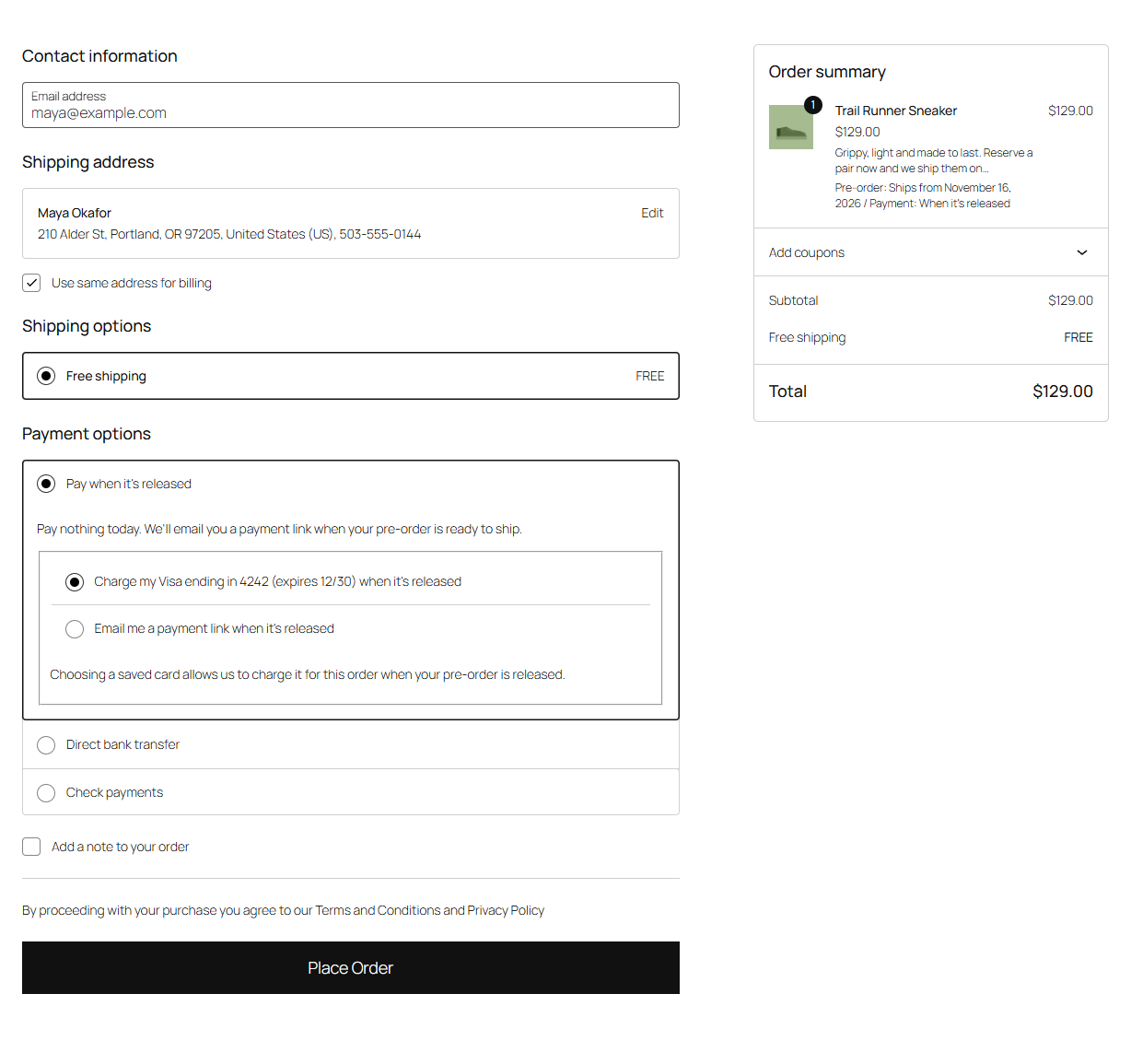
Customers without a saved card, and guests, only see the payment link option. Their order notice and the Pre-order received email say which card will be charged.
On release
When the pre-order is released, Preorderline Pro charges the card off-session through the Stripe plugin, with your Stripe keys and mode:
- Paid: the order moves to Processing and the customer gets Pre-order released. The charge is recorded like the Stripe plugin's own payments, so refunds go through Stripe as usual, and the order's payment method becomes Stripe.
- Not paid: if the card is declined or expired, the bank wants the customer to confirm the payment (Strong Customer Authentication), or the card was removed from their account, the order moves to Pending payment and the customer gets the payment link, with the reason: "We tried to charge your saved card, but it didn't go through. Your card was declined." The order notes say what happened.
Requirements
- The WooCommerce Stripe Gateway plugin, enabled, with Saved cards on, so customers can save cards.
- Saved cards on in WooCommerce → Settings → Payments → Pay when a pre-order is released (on by default).
Cards saved with other payment plugins aren't offered: those customers pay through the link.
Tip
In Stripe's test mode, the test cards behave as they do for Stripe's own payments: a card ending in 0002 is declined, one ending in 3155 needs the customer to confirm.