
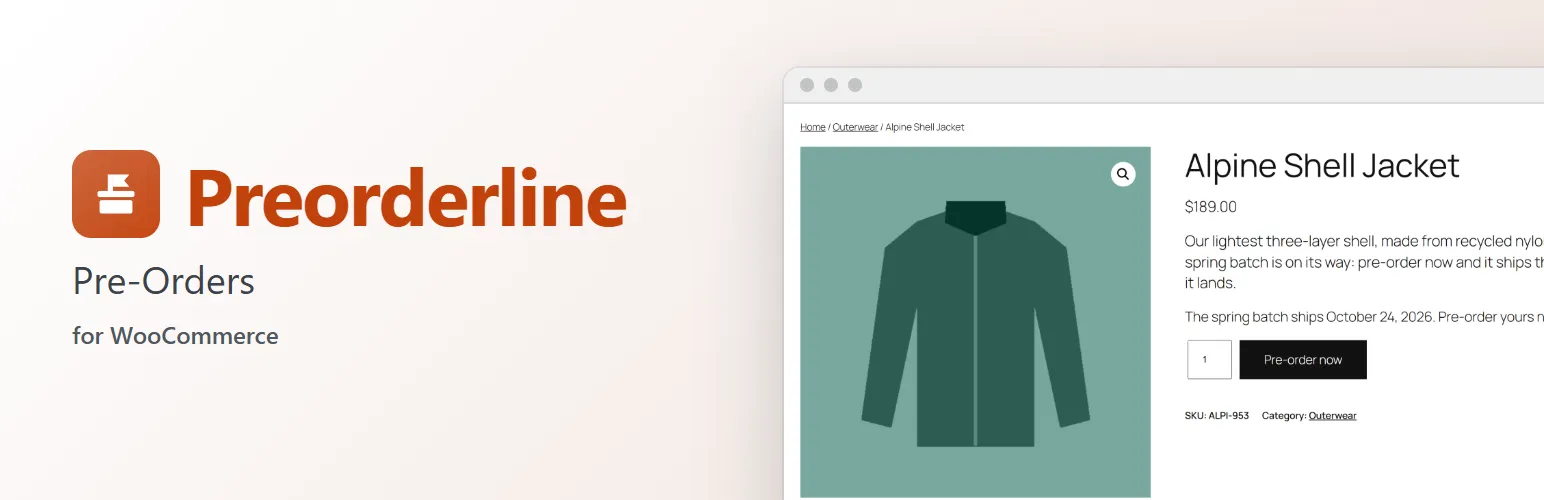
Sell before launch day. Mark a product as "Not released yet" and Preorderline turns it into a pre-order: shoppers see a "Pre-order now" button and when it ships, pay at checkout as usual, and the order waits in its own Pre-ordered status until you release it.
For your customers
- A Pre-order now button instead of "Add to cart", with your own wording if you like.
- "Available for pre-order. Ships from {date}." instead of the stock text, store-wide or with a message of the product's own.
- The release date in the cart, at checkout, on the order, in My Account and in every email, line by line.
- Emails when the pre-order is placed, when its release date changes, and when it's released and on its way.
For you
- A Pre-ordered order status: paid pre-orders wait there instead of landing in your Processing queue, so nothing ships early.
- WooCommerce → Pre-orders lists every product taking pre-orders, its release date and how many orders and units are waiting, with Release now.
- Release now moves every waiting order of a product to Processing and tells each customer it's on its way. A launch product then sells normally.
- Release a single order early from the order screen's Order actions.
- A release date and time per product, and per variation when a colour or size launches later. Change the date and every waiting customer is told.
- Pre-orders work like backorders: stock is taken when the pre-order is placed, so the product's stock shows how many you owe.
- Orders that mix pre-orders and in-stock products wait until the pre-ordered items are released, then ship together.
Works with Extendiment's other plugins
- Packboard (fulfillment board): pre-orders wait in their own "Pre-ordered" column, and join the pick queue when you release them there.
- Stockline (stock messages): the pre-order line gets its own message, icon and colour, with the release date as
{date}. - Slotline (delivery dates): customers can't book a delivery before the release date.
- Gridline (bulk product editor): put many products on pre-order and set their release dates at once.
Works the WooCommerce way
Built on WooCommerce's own screens, order statuses, emails and payment flow. Works with the Cart and Checkout blocks and the classic checkout, with any payment method, and with High-Performance Order Storage (HPOS).
For developers
Filters and actions let other plugins add pre-order modes, product and store settings, rows under each pre-ordered line, columns on WooCommerce → Pre-orders, and their own handling when an order is released. preorderline_loaded fires once Preorderline has loaded.
Preorderline Pro
Preorderline takes pre-orders paid at checkout. The separate Preorderline Pro add-on lets customers pay when the product is released (with a payment link, or their saved Stripe card charged automatically) or pay a deposit now and the balance on release, releases pre-orders automatically on their date, adds pre-order limits per product or variation, and takes pre-orders while a product is out of stock. Everything described above works without it. See extendiment.com/plugins/preorderline.