
Photos on requests
Let customers add photos of damage or faults to their return request, and where you and they see them.
Note
This is part of Returnline Pro.
With Photos on (it is by default), the request form has a Photos field under the comments.
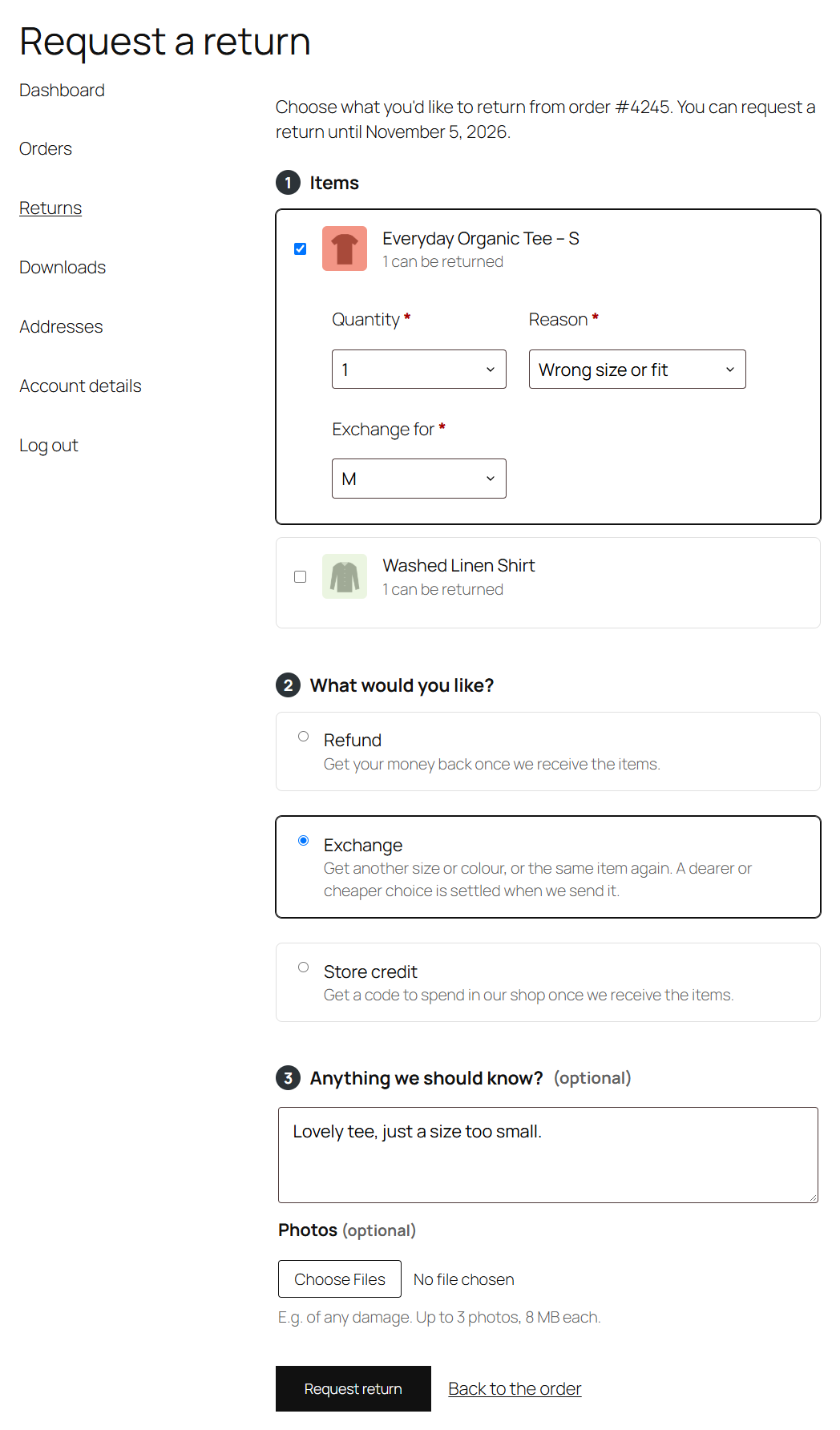
What customers can add
- Up to 3 photos per request, 8 MB each.
- JPEG, PNG, WebP or HEIC (photos from iPhones). Files are checked by their content, not just their name.
If a photo can't be taken (too many, too big, not an image), the form says why and keeps everything else they entered; nothing is sent until the photos are fine.
Where they show
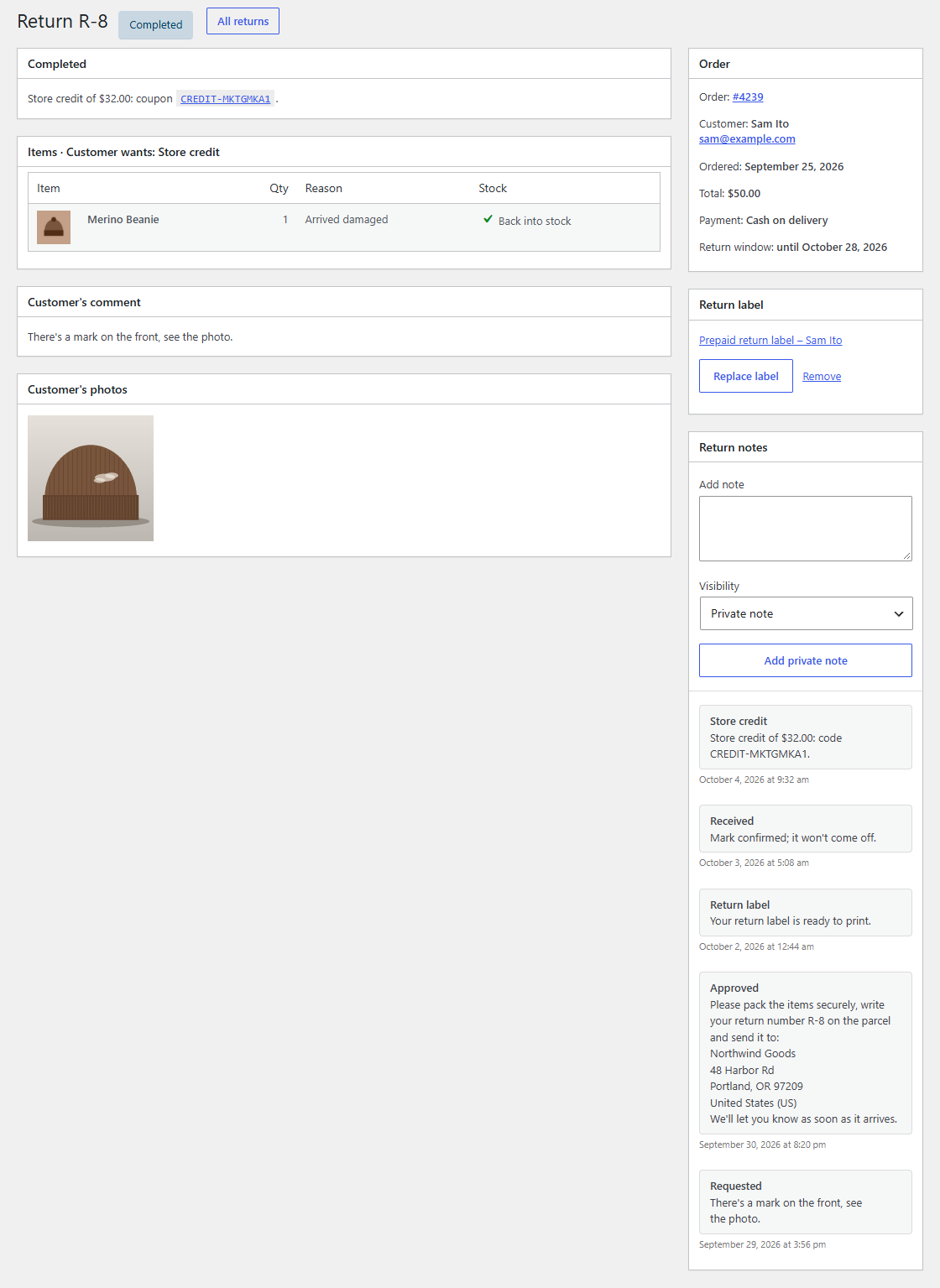
- On the return's page in your admin, in a Customer's photos box. Click one to open it full size.
- On the customer's return page, under Your photos.
Privacy
Photos are stored in your media library as private attachments, named return-12- followed by a random string, so their addresses can't be guessed. They're linked to their return.
If you delete Returnline Pro and choose Delete it permanently in its deactivation prompt, the photos are deleted too. Customers' photos are personal data: include them when you answer a customer's data request, and delete them when you no longer need them.
Switching it off
Untick Photos on WooCommerce → Settings → Returns. Photos already added stay with their returns.