
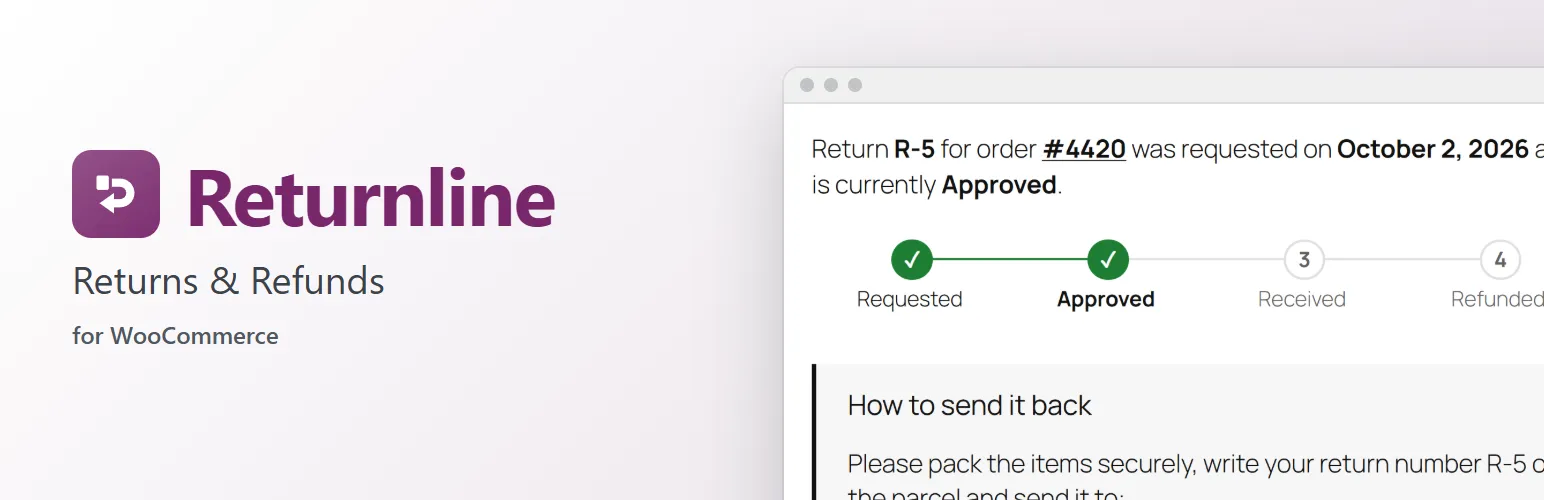
Returns by email are slow for you and stressful for customers. Returnline gives them a simple return form in their account and gives you one screen that always shows the next step.
For your customers
- A "Return" button on every order that can still be returned, in the order list and on the order page.
- Pick the items and how many, choose a reason for each, and add a comment.
- A page for each return showing where it is (Requested → Approved → Received → Refunded), the return instructions, and every update.
- Emails at each step: request received, approved (with your instructions), declined (with your reason), refunded.
- Cancel a request while it's still waiting for review.
For you
- WooCommerce → Returns lists every return with a count of new requests, status filters, search and a quick preview, and looks just like your Orders screens.
- Each return's page puts the next step up front:
- Review: approve and send the return instructions (prefilled from your policy, editable per return), or decline with a reason.
- Receive: mark the parcel as arrived and choose which items go back into stock (leave damaged ones out).
- Refund: through the payment gateway when it supports it (or record a refund you made yourself), with the amount suggested for you, minus your restocking fee.
- A timeline of everything that happened, with internal notes or notes the customer sees.
- A Returns box on every order, and "Create a return" in the order actions, for returns that come in by phone or email.
Your return policy
WooCommerce → Settings → Returns:
- Return window in days (counted from completion), and which order statuses can be returned.
- Your list of return reasons.
- Return instructions with placeholders for the return number and your store address.
- Automatic approval, if you'd rather skip the review.
- A restocking fee taken off suggested refunds.
- What can't be returned: digital products, whole categories, or single products ("Not returnable" on the product).
Works the WooCommerce way
Refunds go through WooCommerce's own refunds, so the order shows the returned items, your reports stay right, and restocking works with any plugin that follows WooCommerce stock. If you use WooCommerce's withdrawal form, Returnline flags those orders so you can start the return.
Compatible with High-Performance Order Storage (HPOS). The account pages and emails are normal WooCommerce templates and emails: override them in your theme, and edit the emails under WooCommerce → Settings → Emails.
For developers
Filters and actions let you change the return number, which products can be returned, the timeline and emails, or build on Returnline: add ways to resolve a return, fields on the request form, boxes on the return screen and settings. returnline_status_changed fires on every step and works as a WooCommerce webhook topic.
Returnline Pro
Returnline handles returns for a refund. The separate Returnline Pro add-on adds exchanges for another size or colour (with a replacement order, and any price difference paid or refunded), store credit as a single-use coupon, returns without an account from a Returns page, customer photos on requests, and return labels for customers to download. Everything described above works without it. See extendiment.com/plugins/returnline.