
More field types
Number, quantity, date, colour picker, image and colour swatches, and file upload fields.
Note
This is part of Optionline Pro.
Optionline Pro adds seven types to the Type list of every field, on a product's Options tab and in global option groups.
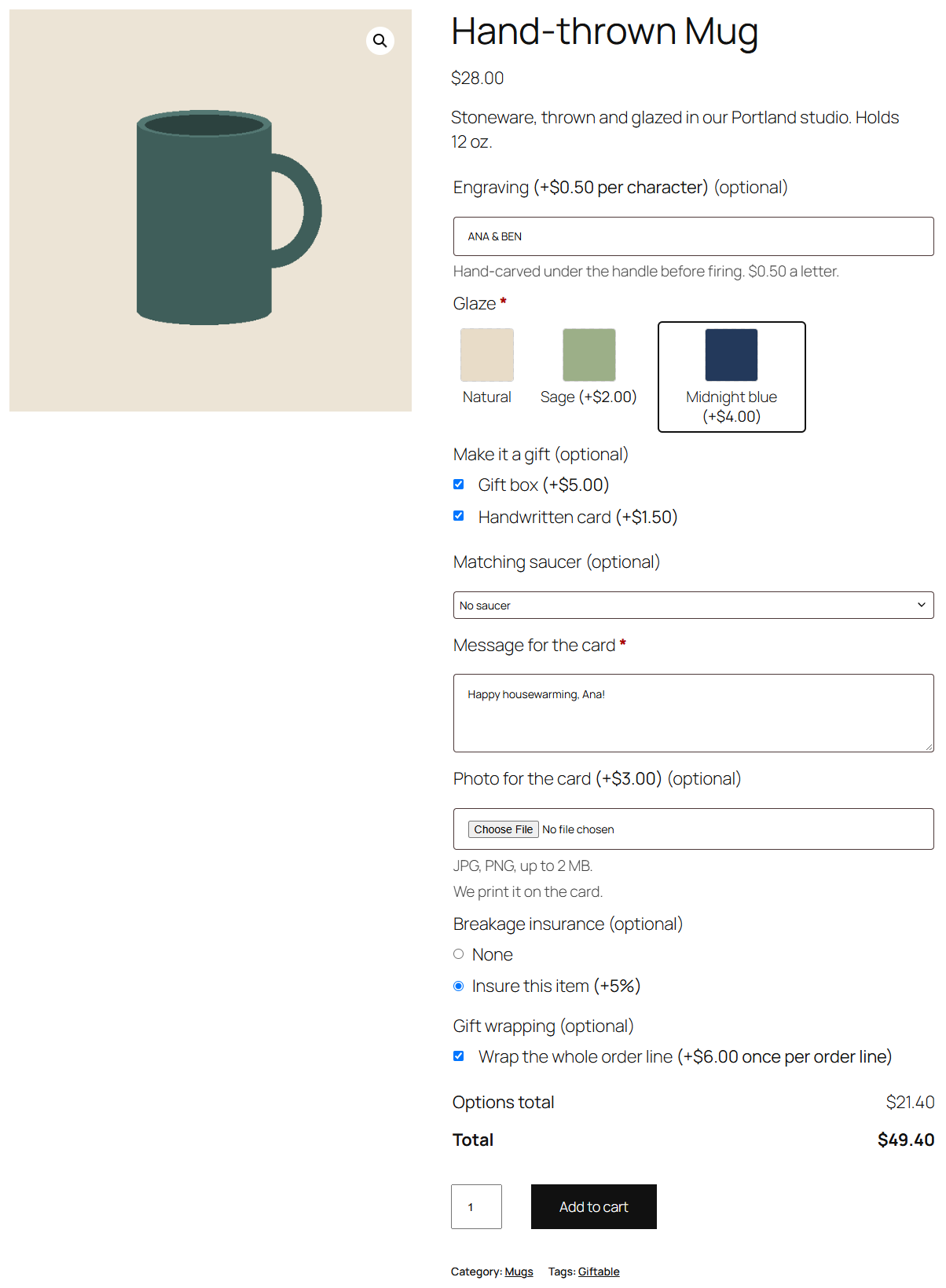
| Type | On the product page | Priced |
|---|---|---|
| Number | A number box. Set a Range (lowest, highest, step) to limit it. | Its price when filled in, or per unit with the Per unit price type: a price per centimetre, per letter, per guest. |
| Quantity | A quantity box, starting at 0 (or the lowest number you allow), like WooCommerce's own. | Always per unit: "Extra prints (+$1.50 each)" × the number chosen. 0 means none. |
| Date | The browser's date picker. | Its price when a date is chosen. |
| Colour picker | A colour picker with a box for a colour code (#1e73be). Starts empty, so an optional colour isn't charged until one is picked. | Its price when a colour is chosen. |
| Image swatches | Pictures to pick one from, each with its name and price. Choose each choice's image from the media library in the Swatch column. | The chosen swatch's price. |
| Colour swatches | Colour chips to pick one from. Set each choice's colour in the Swatch column. | The chosen swatch's price. |
| File upload | A file box for a photo, a logo or a document. | Its price when a file is uploaded. |
Optional swatches start on None, like optional radio buttons.
How values show in the cart and on orders
- A date reads in your store's date format (Settings → General).
- A colour reads as its code, e.g. "#1E73BE".
- A swatch reads as its name.
- A file reads as its name, e.g. "logo.png". On the order screen there's a Download link under the item for you; customers only see the name.
File uploads
On a file upload field you set:
- File types: the extensions customers may upload, e.g.
jpg, png, pdf(the default). Only types WordPress allows uploading can be used. - Largest file: in MB (default 5). It can't be more than your server accepts; the field shows the limit.
The store checks the file's real type (not just its name) and its size before the product goes in the cart.
Files are stored in wp-content/uploads/optionline-uploads/, each in its own folder with a random 24-character name. The folder has an .htaccess that blocks web access on Apache and LiteSpeed, and an index.php against directory listings. On nginx, .htaccess isn't read; the random folder names keep files from being guessed, and you can add a location rule denying /wp-content/uploads/optionline-uploads/ for extra safety. You download files through the link on the order screen, which checks that you can edit orders.
Note
A file is stored as soon as the customer adds the product to the cart, even if they never order. Files are part of your orders' records, so Optionline Pro doesn't delete them; remove old folders from optionline-uploads yourself if you need the space.
Without Optionline Pro
If Optionline Pro is deactivated, fields of these types are kept with their settings but not shown in your shop (Optionline can't show or check them on its own). They're back when Pro is active again.