
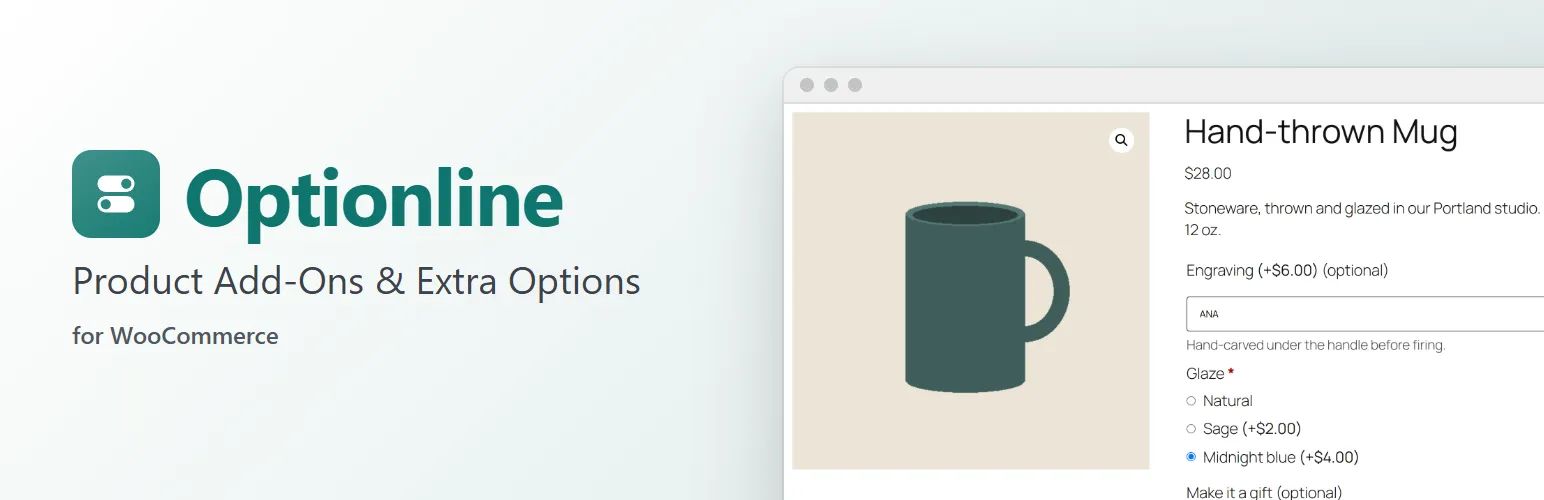
Sell the extras that go with a product: an engraving, gift wrap, a size of box, a card with a message. Optionline adds an Options tab to the product screen where you add the fields customers fill in or choose from, each with its own price. No code.
On the product page
- Text boxes, text areas, dropdowns, radio buttons and checkboxes, inside the add-to-cart form, in your theme's own form style.
- A price for each choice, or for a text box when it's filled in. Prices can be zero.
- A live Options total and Total under the options, in your store's currency format, that follow the customer's choices, the quantity and, for variable products, the chosen variation.
- Required fields, descriptions and placeholders. The store checks every choice again on the server when the product is added to the cart, whatever the browser sent.
- Works with classic themes and block themes (the Add to Cart blocks), for simple and variable products.
In the cart and on the order
- The options are listed under the product in the cart, the mini cart and checkout (the Cart and Checkout blocks and the classic pages), and their prices are added to the product's price.
- The same choices added twice join one cart line; different choices make a new line.
- On the order they're saved as readable item details ("Gift wrap: Ribbon box (+$4.50)") that WooCommerce shows on the order screen, the order confirmation, My Account and in its emails.
- Order again puts the same options back in the cart, priced as they are now.
In the shop
A product with required options can't go straight into the cart from the shop, a category page or a product block: its button reads Select options and leads to the product page, as WooCommerce does for variable products.
For developers
Optionline is built to be extended: register field types (optionline_field_types), add settings to a field (optionline_field_settings, optionline_posted_field, optionline_clean_field), add fields to a product (optionline_product_fields), decide when a field applies (optionline_field_applies), check values (optionline_validate_field), work out prices (optionline_field_price) and render your own types (optionline_field_html). optionline_loaded fires once Optionline has loaded. The hooks are documented in the code and on extendiment.com.
Optionline Pro
The separate Optionline Pro add-on adds global option groups (the same options on every product, or on chosen categories, tags or products), fields that only show when another field has a certain answer, number, date, colour, swatch, file upload and quantity fields, percentage and per-character prices, prices charged once per cart line, and limits such as a maximum length or number of choices. Everything described above is in this plugin and works without it. See extendiment.com/plugins/optionline.