
Where fields appear
The contact, address and order sections, where each one sits in both checkouts, and how the order of your fields works.
A field's Section decides where it appears at checkout and where its answer is kept.
Contact information
Next to the email address, at the top of the checkout. Use it for things about the customer rather than this order: a VAT number, a customer number, a company registration.
The answer is saved on the order and on the customer's account, so a returning customer finds it filled in next time.
- Checkout block: in the Contact information step.
- Classic checkout: in the billing details, after the email address.
Addresses (billing and shipping)
On both addresses, after WooCommerce's own address fields. Use it for things that belong to a place: a gate or door code, a floor, a delivery building.
The billing and the shipping address each get their own answer, saved with that address on the order and on the customer's account. When an order ships to the billing address, the shipping address gets the same answer.
- Checkout block: in the address forms. If the customer's address is already filled in, the block shows it as a card; the field is in the form behind Edit.
- Classic checkout: at the end of the billing details, and of the shipping details when "Ship to a different address?" is ticked.
Order (additional information)
With the order, after the order notes. Use it for things about this order only: a gift message, how they heard about you, a preferred delivery slot.
The answer is saved on the order only.
- Checkout block: in the additional information step, near the order notes.
- Classic checkout: under Additional information, after the order notes.
The order of your fields
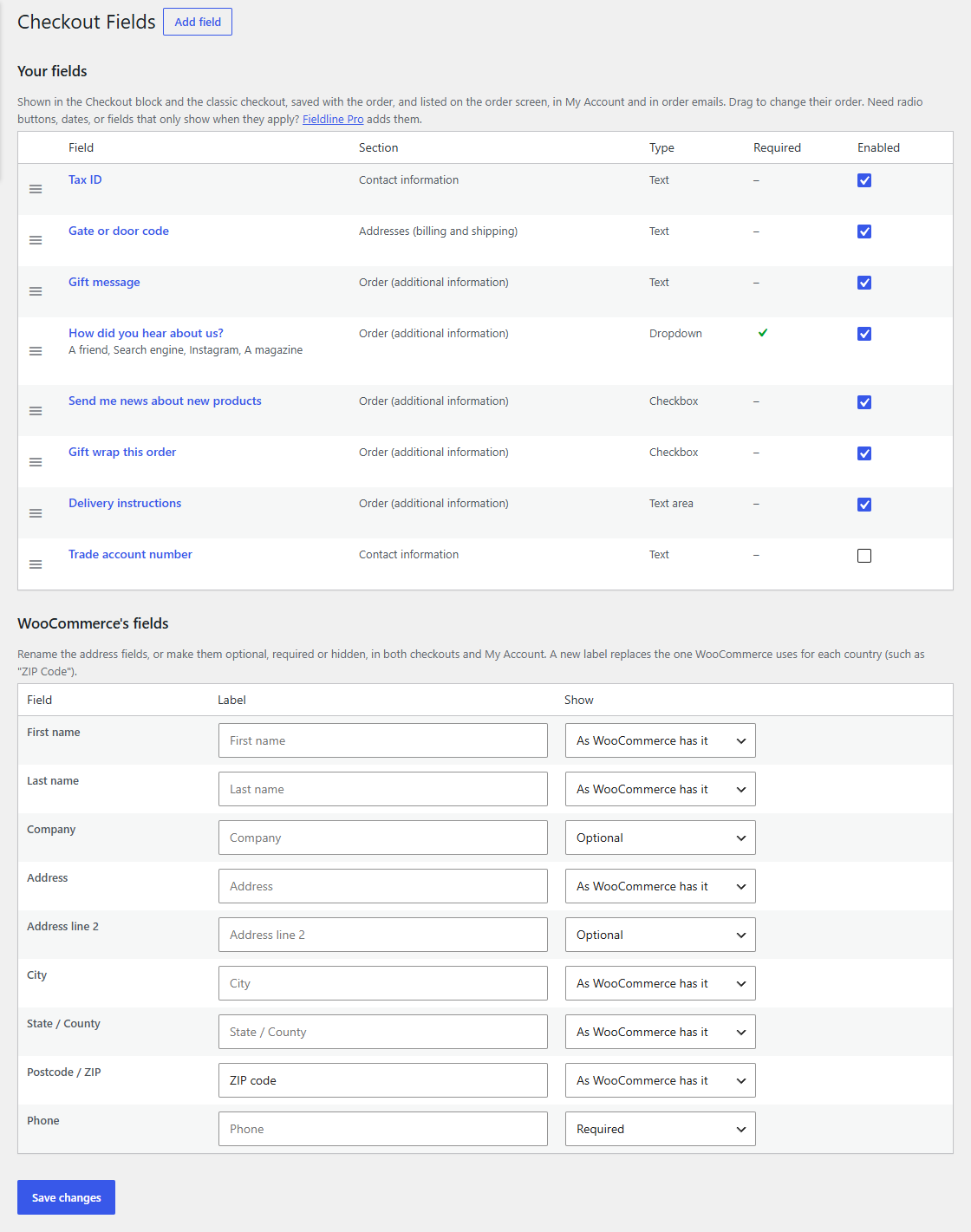
On WooCommerce → Checkout Fields, drag a field by the handle on the left to move it, then click Save changes. Fields in the same section show in this order. The order in the list across sections doesn't matter.
Switching a field off
Untick a field's Enabled box in the list and click Save changes. It disappears from both checkouts, and its answers stay on the orders that have them.