
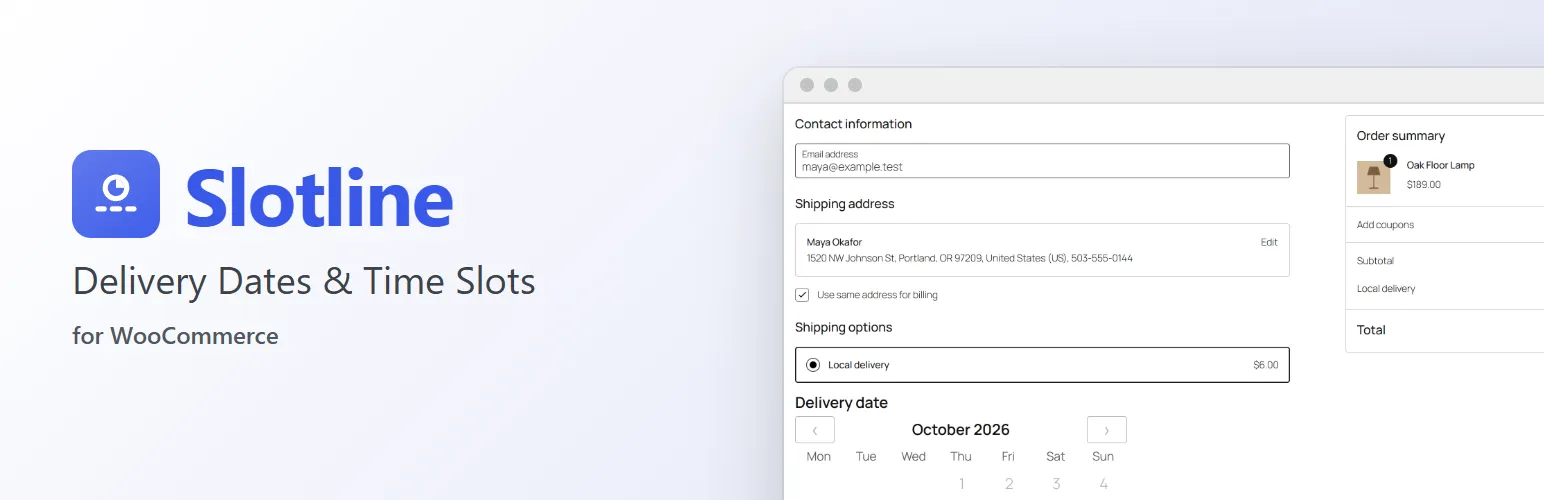
Let customers choose when their order arrives. Slotline adds a delivery date and time slot to checkout, right under the shipping options, and stops customers choosing a slot or day that is full.
At checkout
- A delivery date and time slot right where customers choose shipping, in the Checkout block and the classic checkout.
- Dates from a list, or on a calendar a month at a time.
- Only dates and slots you can deliver: closed days, holidays and slots that start too soon are left out; full slots and days are marked fully booked and can't be chosen.
- "2 left" next to a slot that's nearly full.
- The choice is checked again when the order is placed, so a slot that filled up meanwhile can't be booked.
Your delivery schedule
- Open days: the weekdays you deliver.
- Time slots, each with its own days and a capacity (orders per slot and day). Or no slots at all, and customers choose a date only.
- Minimum notice: how many hours before a slot starts it can still be booked.
- How far ahead customers can book.
- A limit of orders per day.
- Closed dates for holidays and days off.
- Make the date required, or let customers skip it.
On the order
- The date and slot on the order confirmation, in My Account and in WooCommerce's order emails ("Delivery: Saturday, October 10, 9:00 am – 12:00 pm").
- On the order screen, under the shipping address: change the date or slot, and the change is noted on the order.
- A Delivery column on the orders list.
Works with your store
- Built from WooCommerce's own checkout fields and admin screens, so it looks like part of your store.
- Works with HPOS (High-Performance Order Storage) and the Cart and Checkout blocks.
- With Packboard, our fulfillment board, each order's card shows its delivery date and slot, soonest first.
- With Preorderline, our pre-orders plugin, customers can't book a delivery before the release date.
For developers
Filters for the first bookable date (slotline_earliest_date), dates nobody can book (slotline_closed_dates), carts that need no date (slotline_needs_date) and more, plus hooks for add-ons to add schedules, slot fields and settings. See the developer notes on extendiment.com.
Slotline Pro
Slotline Pro is a separate, paid add-on. It adds a schedule for local pickup, fees for premium slots, extra schedules for some shipping zones, methods or pickup locations, preparation time and unavailable dates per product, a WooCommerce → Deliveries page to print for your drivers, customers changing their delivery time from their account, and a reminder email before the slot. Everything described above works without it. See extendiment.com/plugins/slotline.