
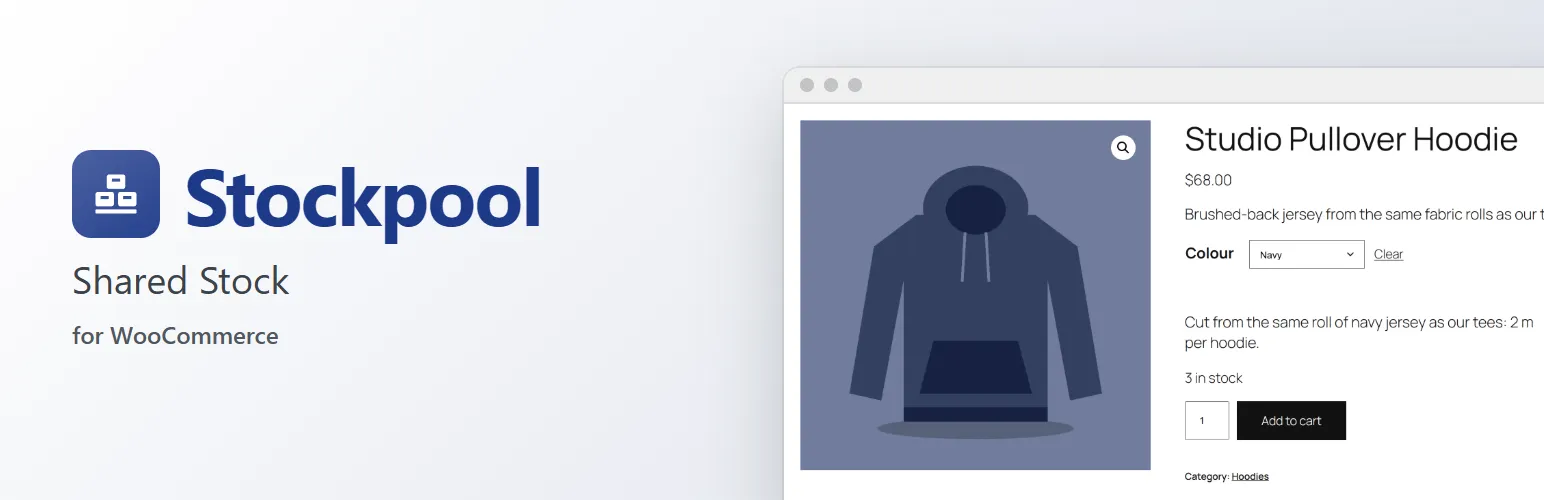
WooCommerce counts stock per product. Real stock often isn't: the same red fabric becomes tees, hoodies and tote bags; one mug blank goes into five different designs; a gift set uses two mugs and a box. Stockpool lets those products sell from one shared quantity, so they all go out of stock together, at the right moment.
Shared stock pools
- Create a pool for anything you stock: fabric, blanks, ingredients, packaging, a limited edition.
- Any unit you like, with decimals: 30 metres, 12.5 kg, 400 pieces.
- Each product or variation says how much one item uses: 1.2 m for a tee, 2 m for a hoodie, 6 bottles for a six-pack.
- A product can use several pools: a tee takes fabric and a blank, and is out of stock as soon as either runs out.
- Link pools on a product's Inventory tab, or per variation. A variable product's pools apply to all its variations unless a variation has its own.
Stock that's right everywhere
- Product pages show the shared quantity ("3 in stock", "Only 2 left in stock") in your store's stock display format, and cap the quantity field.
- Out of stock products are hidden when "Hide out of stock items" is on, and stock filters and variable products follow along.
- The cart adds up every product that uses a pool, so two different products can't oversell it. Works with the classic cart and the block cart and checkout.
- Checkout holds the shared stock while the customer pays, like WooCommerce does for its own stock, so two shoppers can't both buy the last of a pool.
- Allow backorders per pool, with or without telling customers.
- A product can still track its own stock as well: it then sells until either runs out.
Orders, cancellations and refunds
Stock is taken when WooCommerce takes it (paid, processing or on hold) and comes back on cancellation, failed payment, refunds with "Restock refunded items", edited quantities and removed order items. Each order item remembers which pools it took from, so stock always goes back where it came from, even after you change a product's pools. Every order gets a note listing the changes.
Stock history and alerts
- Every change is logged with the reason, order, note and who made it.
- Add, remove or set stock with a note ("Delivery from supplier", "Stock count"), with a preview of the new stock before you save.
- Low stock and out of stock emails per pool, with its own threshold, using WooCommerce's notification settings.
Products → Shared stock
One screen for all your pools: their stock state, unit and how many products each supplies, with low stock and out of stock views, search, and bulk pause, resume and delete. Each pool's page lists the products it supplies, how many each can still sell and which runs out first.
Spreadsheets and integrations
- CSV export of your pools, for a stock count or another system.
- REST API for ERPs, POS and stock systems (works with WooCommerce API keys): list, create, update, adjust and read the history of pools.
- A
stockpool_stock_changedaction, usable as a WooCommerce webhook (Action topic), to tell other systems when stock changes. - With Gridline, our bulk product editor, a "Shared stock pools" column links many products at once.
Built the WooCommerce way
Compatible with High-Performance Order Storage (HPOS) and the cart and checkout blocks. No template overrides.
Stockpool Pro
Stockpool links each product or variation to its pools by hand. If you'd rather link them by attribute ("every red variation uses the red fabric", including products you add later), make kits from other pools (made to order, or made ahead and assembled), limit bundles from WPC Product Bundles or WooCommerce Product Bundles by their shared pools, or import pools from a CSV file, the separate Stockpool Pro add-on does that. Everything described above works without it. See extendiment.com/plugins/stockpool.